Are you tired of digging through piles of paper every time you need an important home document? Imagine having all your essential files right at your fingertips, safe and easy to find whenever you want.
Storing your home documents electronically can save you time, reduce stress, and protect your valuable information from damage or loss. You’ll discover simple steps to organize and store your documents digitally, making your life more organized and secure. Keep reading to learn how to take control of your paperwork once and for all.
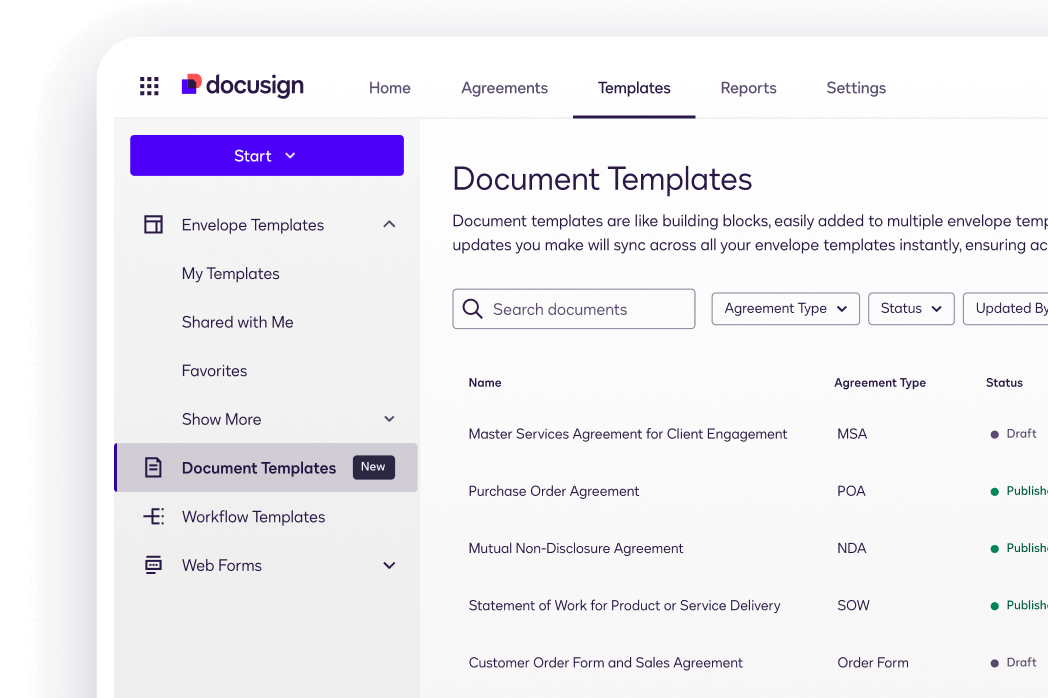
Credit: www.docusign.com
Choosing Documents To Store
Choose important documents like birth certificates, insurance papers, and property deeds for electronic storage. Focus on records needed for emergencies or legal proof. Keep files organized and easy to find for quick access when necessary.
Choosing which documents to store electronically can be tricky. You need to identify important papers and organize them efficiently. Here’s how to ensure your home documents are stored wisely.Important Papers To Keep
Some papers are essential to keep. These include birth certificates, marriage licenses, and property deeds. Insurance policies and wills are also vital. Tax documents and financial statements should be stored too. These papers provide proof and security when needed.Sorting And Organizing Documents
Organize documents into categories. Use digital folders to separate them. Label folders clearly. For example, create folders for personal, financial, and legal documents. Use consistent naming for easy retrieval. This makes finding important papers quick and simple. Create a backup for your electronic documents. Use cloud storage for added security. This ensures access to your documents from anywhere. Remember, organization is key to easy access.
Credit: support.nordpass.com
Digital Storage Options
Digital storage options help keep home documents safe and organized. Choosing the right method depends on your needs. Some prefer online access, while others want physical control. Each storage type offers unique benefits and security levels. Understanding these options makes storing documents easier and more reliable.
Cloud Storage Services
Cloud storage keeps documents on the internet. Services like Google Drive and Dropbox offer easy access from any device. Files stay safe even if your computer breaks. Many cloud services provide free storage with options to buy more. They allow sharing files quickly with family or helpers. Security features protect your data with passwords and encryption.
External Hard Drives
External hard drives store large amounts of data physically. They connect to your computer by USB or other ports. These devices offer fast access without internet dependence. You can keep them in a secure place at home. They are good for backing up important files regularly. External drives work well for those who want control over their documents.
Usb Flash Drives
USB flash drives are small and portable. They fit easily into a pocket or drawer. Flash drives are useful for moving documents between devices. They do not need internet or power to work. Their storage capacity is smaller than external hard drives but enough for many documents. USB drives are affordable and simple to use for quick access.
Scanning And Digitizing Documents
Scanning and digitizing documents helps keep important papers safe and easy to find. You can create digital copies of your home documents to reduce clutter. This also protects papers from damage or loss. Various tools and formats make digitizing simple and effective.
Using Mobile Apps
Mobile apps turn your phone into a scanner. They use the camera to capture clear images of documents. Many apps automatically crop and enhance photos for better quality. You can save scans directly to your phone or cloud storage.
Popular apps support multiple pages in one file. They also allow easy sharing by email or messaging. Mobile scanning suits quick digitizing without extra equipment.
Flatbed Scanners
Flatbed scanners offer high-quality scans for detailed documents. Place papers on the glass surface for precise capture. These scanners are good for photos, receipts, and important papers.
They provide consistent resolution and color accuracy. Flatbed scanners connect to computers via USB or wireless. They allow scanning multiple documents with better control.
File Formats To Use
Choosing the right file format ensures easy access and storage. Common formats include:
- PDF:Ideal for text documents. Supports multiple pages in one file.
- JPEG:Best for photos. Compresses images for smaller file size.
- PNG:Good for images needing transparency and sharp detail.
Use PDF for contracts and bills. Save photos as JPEG or PNG for quality and size balance. Keep file sizes small for quicker uploads and downloads.
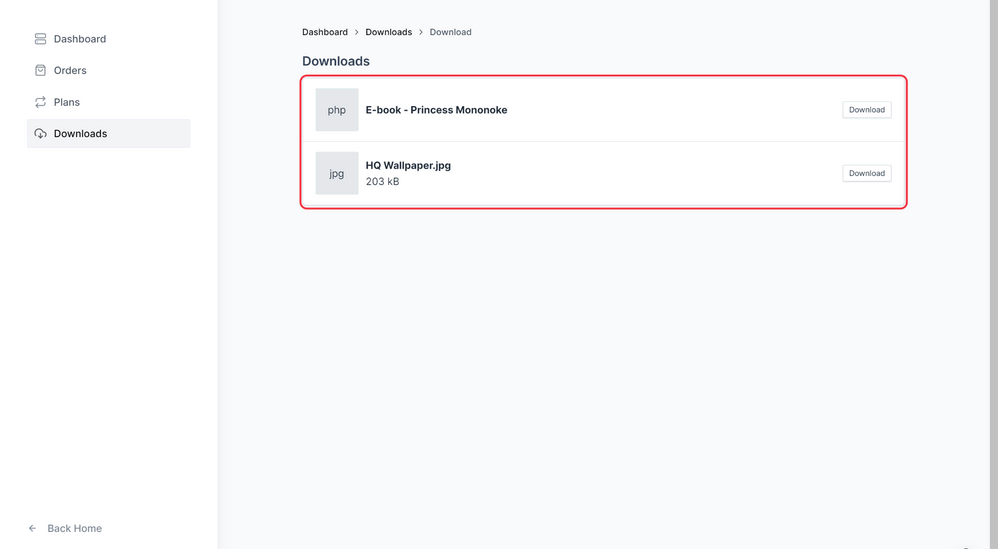
Credit: surecart.com
Securing Digital Files
Securing your digital files is essential to protect sensitive information from unauthorized access and potential data loss. Simply storing documents online or on your computer isn’t enough. You need strong security measures to keep your home documents safe and private.
Password Protection
Using strong passwords is your first line of defense. Choose a mix of letters, numbers, and symbols, and avoid easy-to-guess words like birthdays or common phrases.
Consider using a password manager to generate and store complex passwords securely. This way, you don’t have to remember each one, and it reduces the risk of reusing passwords across multiple accounts.
Encryption Tools
Encryption scrambles your files so only someone with the right key can read them. It’s especially useful if you store documents on cloud services or share files via email.
There are many free and paid encryption tools available, like VeraCrypt or BitLocker, that are user-friendly and effective. Encrypting sensitive documents adds an extra layer of protection against hackers and data breaches.
Regular Backups
Backing up your files regularly ensures you won’t lose important documents due to accidental deletion, hardware failure, or malware attacks. Keep at least two copies of your backups—one on an external drive and another in a secure cloud storage.
Set reminders to update your backups monthly or after major changes to your files. This habit can save you from hours of stress and potential data loss.
Organizing Digital Archives
Organizing digital archives is essential for easy access to home documents. Well-arranged files save time and reduce stress. Clear structure helps you find papers quickly. It also keeps your digital space tidy and efficient.
Folder Structures
Create main folders for broad categories like finance, health, and home. Inside each, add subfolders for specific topics. For example, under finance, have folders for bills, taxes, and insurance. Keep the hierarchy simple and logical.
- Use a limited number of main folders
- Group similar documents together
- Avoid deep folder nesting to prevent confusion
Naming Conventions
Name files clearly and consistently. Include the date and document type in names. For example, “2024-04-15_Utility_Bill.pdf” is clear and informative. Use underscores or dashes instead of spaces. Avoid special characters that can cause errors.
- Start with the year, then month, and day
- Use short, descriptive words
- Keep file names uniform across all documents
Tagging And Metadata
Tags and metadata add extra layers of organization. They make searching faster and more accurate. Use tags like “insurance,” “warranty,” or “receipt.” Most document management apps let you add these details. This helps group related files without moving them.
- Add keywords relevant to the document’s content
- Use consistent tags for similar documents
- Update tags regularly for better search results
Maintaining And Updating Records
Keeping your home documents well-maintained and up-to-date is essential for easy access and peace of mind. Electronic storage is only effective if you regularly review and clean your digital files. Otherwise, outdated or unnecessary documents can clutter your system and make finding important papers harder than it should be.
Periodic Reviews
Set a regular schedule to check your digital documents. This could be every three months, twice a year, or whatever fits your lifestyle. During these reviews, verify that all files are properly named, organized, and backed up.
Think about your last experience searching for a vital document. Was it quick or frustrating? Regular reviews prevent that frustration and save you time when you need a document urgently.
Use folders with clear labels and consistent naming conventions. This simple habit makes your next review smoother and keeps your digital space tidy.
Removing Outdated Documents
Not every document needs to stay forever. Identify files you no longer require and remove them from your storage. For instance, expired warranties or old utility bills beyond their retention period can be deleted.
Ask yourself: Is this document still useful? If the answer is no, deleting it frees up space and improves your document management system.
Be cautious with sensitive information—shred or securely erase files containing personal data you no longer need. This step protects your privacy and reduces digital clutter.
Frequently Asked Questions
What Documents Should I Electronically Store At Home?
Store important documents like IDs, insurance papers, tax returns, medical records, and property deeds. Digitizing these ensures easy access and safekeeping.
How Can I Securely Store Digital Home Documents?
Use encrypted cloud storage or password-protected external drives. Regularly back up files and update passwords to maintain document security.
What Is The Best File Format For Storing Documents?
PDF is ideal as it preserves formatting and is widely accessible. Avoid editable formats to prevent accidental changes.
How Do I Organize Electronic Home Documents Efficiently?
Create clearly labeled folders by category and date. Use consistent naming conventions to quickly locate files when needed.
Conclusion
Storing home documents electronically saves space and protects important papers. It helps you find files quickly when needed. Use clear folders and file names for easy access. Regular backups keep your data safe from loss or damage. Keep your digital files organized and updated often.
This simple habit reduces stress and saves time. Start today to enjoy a clutter-free, efficient home system. Your important documents stay safe and easy to find. Simple steps lead to better home document management.
Leave a Reply