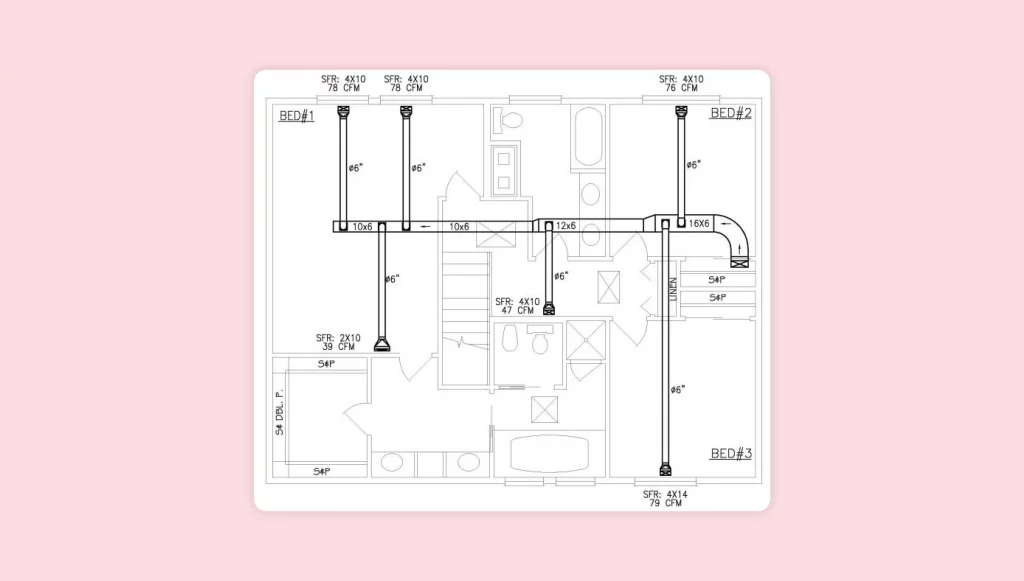
Ever found yourself tinkering with your home electronics, wishing you had the blueprints to understand them better? You’re not alone.
The thrill of knowing exactly how your devices tick can turn a simple hobby into a rewarding passion. Imagine the satisfaction of repairing that vintage radio or customizing your favorite gadget. But where do you start? Finding the right blueprints can feel like searching for a needle in a haystack.
Don’t worry; you’re in the right place. This guide will show you how to uncover those elusive blueprints and unlock a world of possibilities. Get ready to dive in and discover the secrets hidden within your home electronics.
Sources For Blueprints
Finding blueprints for home electronics is easier with the right sources. These blueprints help you understand device design, repair, or modify electronics confidently. Various platforms offer detailed schematics and diagrams. Some are official, while others come from communities sharing knowledge.
Explore these sources to access reliable and accurate blueprints. They often include downloadable files and user guides. Knowing where to search saves time and effort in your electronics projects.
Manufacturer Websites
Official manufacturer websites are a top source for blueprints. Many brands publish user manuals and schematics for their products. These resources often include circuit diagrams and service guides. They ensure you get original and precise information. Check the support or downloads section of the site. Some companies require product registration to access files.
Online Electronics Communities
Online communities gather enthusiasts and experts sharing blueprints freely. Sites like GitHub and Instructables host many electronics projects. Users upload detailed files and step-by-step instructions. These platforms encourage collaboration and improvements. You can find designs for common and rare electronic devices. Participation often leads to helpful feedback and advice.
Open-source Repositories
Open-source repositories offer a vast collection of electronic blueprints. Platforms such as GitLab and SourceForge store project files and schematics. These repositories promote transparency and learning. Files are usually free to download and use under specific licenses. They cover a wide range of electronics, from simple circuits to complex systems.
Electronics Forums And Groups
Forums and social media groups connect hobbyists and professionals sharing blueprints. Popular forums include EEVblog and All About Circuits. Members post schematics, ask questions, and solve problems together. Groups on Facebook and Reddit also provide valuable resources. Active participation helps find rare or custom blueprints. These communities foster support and knowledge exchange.
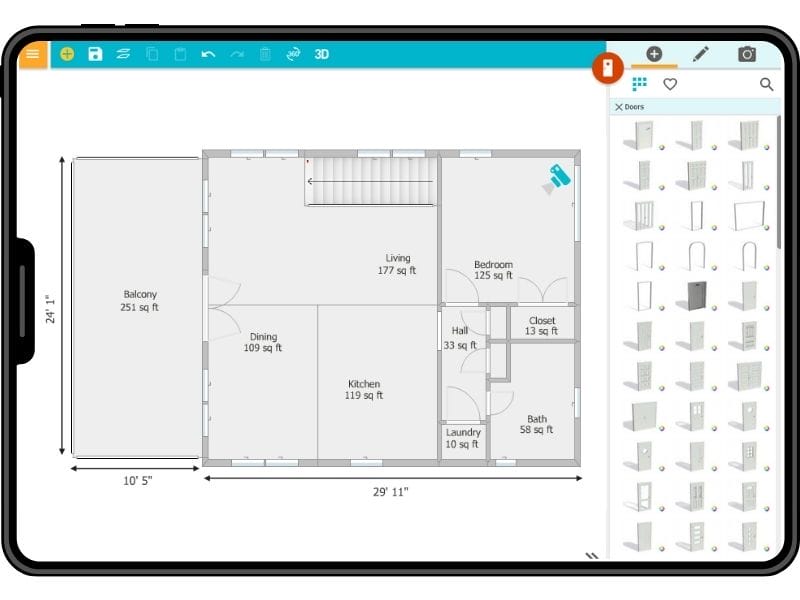
Credit: www.roomsketcher.com
Types Of Blueprints Available
Blueprints for home electronics come in several types. Each type shows different details. Knowing these types helps you understand and use the blueprints well. Some blueprints focus on electrical connections, while others show physical layouts or assembly instructions.
Schematic Diagrams
Schematic diagrams use symbols to show electronic parts and connections. They help you understand how the circuit works. These diagrams do not show physical size or shape. They are useful for troubleshooting and designing circuits.
Pcb Layouts
PCB layouts show the physical design of the circuit board. They display where each component sits and how traces connect them. These blueprints help in building or repairing printed circuit boards. They guide the placement of parts and wiring paths.
Assembly Drawings
Assembly drawings explain how to put parts together. They show the position and order of components. These drawings are important for building the final product. They often include notes on screws, fasteners, and connectors.
Wiring Diagrams
Wiring diagrams map out the electrical wires and connections. They show how wires connect different parts of the device. These diagrams are key for installation and repair tasks. They help avoid wiring mistakes and ensure safety.
Tools To Access And Read Blueprints
Accessing and reading blueprints for home electronics requires the right tools. These tools help you view intricate details, understand circuit layouts, and even test designs before building. Choosing the right software or app can save you time and avoid costly mistakes.
Cad Software
CAD (Computer-Aided Design) software is a powerful tool for working with electronic blueprints. Programs like AutoCAD and Eagle let you open, edit, and create detailed circuit diagrams. You can zoom in on tiny components and make precise adjustments easily.
Many CAD tools also allow you to layer different parts of the blueprint, which helps when analyzing complex circuits. If you’ve ever struggled to understand how components connect, CAD software can clear that up quickly. Have you tried editing a schematic directly? It’s much easier with these tools.
Pdf Viewers
Most blueprints are shared as PDF files. A good PDF viewer is essential for quick access and basic interaction. Adobe Acrobat Reader and Foxit Reader offer features like zoom, annotation, and search to help you navigate large documents.
Look for viewers that support layers if your blueprint files use them. This can help you toggle between wiring, components, and power lines without confusion. Simple tools like these make reviewing blueprints less frustrating when you’re on the go.
Simulation Tools
Simulation tools let you test electronic circuits before building them. Software such as LTspice and Proteus simulate how your circuit will behave under different conditions. This can save you from assembling faulty designs and wasting components.
These tools provide visual feedback, showing voltage, current, and signal flow in real time. Have you ever wondered if your design will work as expected? Running simulations gives you a clear answer without physical trials.
Mobile Apps
Mobile apps bring blueprint access to your fingertips wherever you are. Apps like Autodesk’s AutoCAD mobile and OrCAD allow you to view and sometimes edit electronic designs right on your phone or tablet. This flexibility is great if you need to check details away from your computer.
Many apps also support cloud syncing, so your blueprints update instantly across devices. Imagine spotting a wiring error while at the hardware store and fixing it instantly on your phone. Does your current setup let you do that?
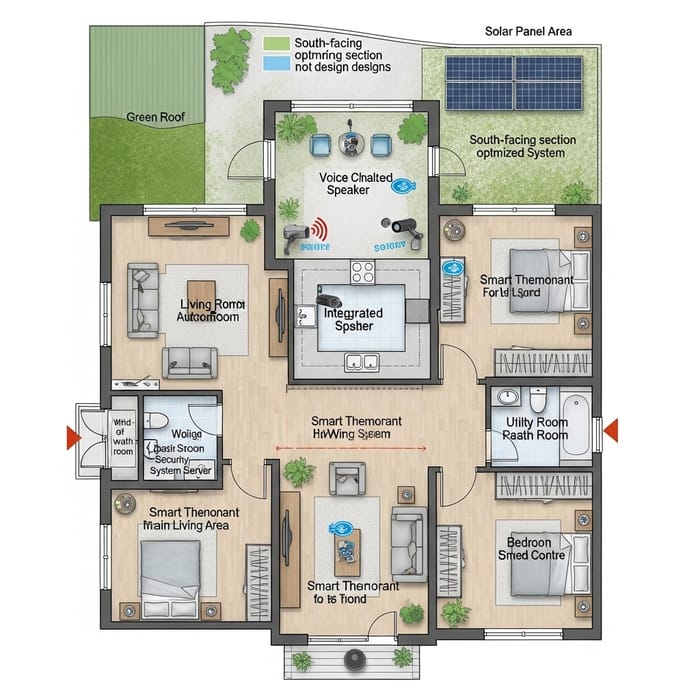
Credit: easy-peasy.ai
Legal And Ethical Considerations
Finding blueprints for home electronics requires attention to legal and ethical rules. Respect for creators and their rights ensures fair use of their work. Understanding these rules helps avoid problems and supports innovation.
Copyright Issues
Most blueprints are protected by copyright laws. Copying or sharing them without permission can lead to legal trouble. Always check if the blueprint is copyrighted before using it. Some creators sell or license their designs for personal use.
Open-source Licenses
Open-source blueprints are freely available under specific licenses. These licenses allow use, modification, and sharing with certain conditions. Common licenses include MIT, GPL, and Creative Commons. Read the license terms carefully to follow the rules.
Fair Use Guidelines
Fair use allows limited use of copyrighted material without permission. Use must be for education, research, or personal study. Avoid using blueprints for commercial projects under fair use. Keep the use small and give credit to the creator.
Tips For Verifying Blueprint Accuracy
Verifying blueprint accuracy is essential for building reliable home electronics. Accurate blueprints prevent errors and save time during assembly. Use these tips to check if your blueprints are correct before starting any project.
Cross-referencing Sources
Compare blueprints from multiple reliable sources. Look for consistency in designs, components, and connections. Differences might indicate errors or outdated information. Use official manuals, manufacturer datasheets, and trusted online repositories. This process helps spot mistakes early and ensures the blueprint matches the actual product.
Testing With Simulations
Run simulations using software tools before physical assembly. Simulations reveal design flaws and wiring mistakes without risk. Many free and paid programs simulate circuit behavior and signal flow. Adjust the blueprint based on simulation results to improve accuracy. This step saves money and prevents damage to components.
Consulting Experts
Ask experienced electronics hobbyists or professionals for advice. Experts can spot errors that beginners might miss. Share your blueprints and ask for feedback on critical parts. Join online forums or local maker groups to get guidance. Expert opinions add confidence to your blueprint’s accuracy.
Creating Custom Blueprints
Creating custom blueprints allows you to design home electronics tailored to your needs. It gives control over every detail of your project. You can start from scratch or adjust existing designs to fit your goals.
Using Design Software
Design software helps turn ideas into clear, precise blueprints. Programs like AutoCAD, Eagle, or KiCad offer tools to create detailed circuit layouts. These tools simplify drawing components and connections. They also help check for errors before building.
Many design programs have user-friendly interfaces. They provide templates and symbols for common electronic parts. This speeds up the design process and reduces mistakes.
Modifying Existing Designs
Starting with existing blueprints saves time and effort. You can find many free or paid designs online. Use them as a base to customize parts and functions.
Change layouts, add new features, or remove unnecessary components. This approach helps you learn design principles while adapting blueprints to your project.
Documenting Your Work
Keep detailed records of all changes and decisions. Write notes explaining why certain adjustments were made. This documentation helps when troubleshooting or improving the design later.
Organize files clearly. Include versions of your blueprint and related information. Good documentation ensures smoother communication if you share your project with others.
Staying Updated With Latest Designs
Staying updated with the latest designs is key to finding the best blueprints for home electronics. Designs change fast. New ideas and improvements appear regularly. Keeping up helps you access fresh, efficient, and safe blueprints. It also inspires creativity and innovation in your projects.
Regular updates ensure you get the most reliable and modern information. This means better results and fewer mistakes. You can learn from experts and see what works best today. Staying informed gives you a clear advantage in any electronic project.
Subscribing To Newsletters
Newsletters deliver the latest designs straight to your inbox. Many electronics websites and companies offer free subscriptions. They include updates on new blueprints, tips, and trends. Newsletters save time by gathering useful info in one place. They often feature expert advice and exclusive content.
Joining Online Groups
Online groups connect you with people who share your interests. Forums, social media groups, and communities focus on home electronics. Members share designs, tips, and resources. You can ask questions and get quick answers. Being active in groups helps you learn about new blueprints fast.
Following Industry Trends
Trends show what is popular and effective in electronics design. Watch trade shows, blogs, and technology news. Manufacturers release new parts and tools that improve designs. Understanding trends helps you pick blueprints that use the latest technology. Staying aware keeps your projects modern and efficient.

Credit: www.roomsketcher.com
Frequently Asked Questions
Where Can I Find Free Blueprints For Home Electronics?
You can find free blueprints on websites like Instructables, GitHub, and electronics forums. Many hobbyists share open-source projects. Public libraries and educational sites also offer downloadable schematics for various devices.
How Do I Read Blueprints For Electronic Circuits?
Start by learning common symbols and circuit diagrams. Use online tutorials and guides for beginners. Practice by analyzing simple schematics before moving to complex blueprints. This helps you understand component connections and functions clearly.
Are Blueprints For Home Electronics Legal To Use?
Most blueprints shared for educational or hobby use are legal. Avoid copying patented or commercial designs without permission. Always check the licensing terms before using or modifying any blueprint to stay compliant.
What Tools Help In Viewing Electronic Blueprints?
Software like Eagle, KiCad, and Fritzing are popular for viewing and editing blueprints. PDF readers and image viewers can open basic schematic files. These tools help you analyze and modify circuit designs easily.
Conclusion
Finding blueprints for home electronics is easier than it seems. Start by searching online databases and forums. Check manufacturer websites for manuals and diagrams. Public libraries and community groups can also help. Use clear keywords to narrow your search. Always verify the source’s reliability before using any blueprint.
With patience and the right steps, you can find useful plans. Keep exploring and learning to build or fix electronics confidently. Simple tools and good information make a big difference. Now, you are ready to begin your project with the right blueprint.
Leave a Reply