Are you curious about how the gadgets around you work? Ever wished you could tinker with electronics and create your own devices?
You’re not alone. Learning electronics at home is not only possible, but it’s also incredibly rewarding. Imagine understanding the magic behind your smartphone, fixing your own appliances, or even designing a new invention. By learning electronics, you hold the power to turn ideas into reality.
In this guide, you’ll discover simple steps and resources to kickstart your electronics education from the comfort of your home. Whether you’re a complete beginner or someone looking to brush up on skills, this article will provide you with the tools to start mastering electronics today. Keep reading to unlock the secrets of the electronic world that surrounds you every day.
Basic Electronics Concepts
Understanding basic electronics concepts is the foundation of learning electronics at home. These concepts help you make sense of how circuits work and prepare you to build or troubleshoot your own projects. Let’s break down the essentials that will boost your confidence and skills.
Voltage, Current, And Resistance
Voltage is the electric pressure that pushes electrons through a circuit. Think of it as the force that makes electricity flow. Current is the actual flow of electrons, measured in amperes (amps), and it shows how much electricity is moving.
Resistance is anything that slows down or resists the flow of current. It’s measured in ohms (Ω). You can compare resistance to a narrow pipe restricting water flow—higher resistance means less current passes through.
Have you ever noticed how a dim light bulb glows when you increase the resistance? That’s resistance directly affecting current and voltage in action.
Ohm’s Law Simplified
Ohm’s Law connects voltage (V), current (I), and resistance (R) in a simple formula: V = I × R. This means voltage equals current multiplied by resistance.
If you know any two of these values, you can calculate the third. This formula is your best friend for figuring out how circuits behave. For example, if your circuit has a 9V battery and a 3Ω resistor, the current flowing is 3 amps.
Try changing one value and see what happens to the others. This hands-on approach cements your understanding and helps you troubleshoot real circuits faster.
Common Electronic Components
Learning about basic parts makes building circuits easier. Here are some you’ll often encounter:
- Resistors:Control the flow of current.
- Capacitors:Store and release electrical energy.
- Diodes:Allow current to flow in one direction only.
- Transistors:Act as switches or amplifiers.
- LEDs:Light up when electricity passes through.
Knowing what each component does helps you understand circuit diagrams and assemble projects confidently. Have you ever been puzzled by a tiny part on a circuit board? Identifying these basics clears that confusion instantly.
Essential Tools And Materials
To dive into electronics at home, having the right tools and materials makes all the difference. Without them, learning can become frustrating and slow. Let’s look at some essentials that will help you build confidence and create projects effectively.
Multimeter And Soldering Kit
A multimeter is your best friend for measuring voltage, current, and resistance. It helps you check if components work and diagnose circuit issues quickly. Investing in a simple digital multimeter can save hours of guesswork.
A soldering kit is crucial for making permanent connections on circuit boards. While it might seem tricky at first, practicing on small projects will improve your skill fast. Remember, a good soldering iron with adjustable temperature control is easier to handle and prevents damage to sensitive parts.
Breadboards And Wires
Breadboards let you build circuits without soldering, making them perfect for experimenting and learning. You can easily plug components in and change the layout to test different ideas. Pair them with jumper wires in various lengths and colors to keep your work neat and understandable.
Using breadboards encourages trial and error, which is essential for learning electronics. Have you ever tried building a circuit only to realize it doesn’t work? Breadboards help you find those mistakes quickly without wasting components.
Starter Electronic Kits
Starter kits come with a selection of basic components like resistors, capacitors, LEDs, and microcontrollers. These kits often include project guides, which help you learn step-by-step. They’re great for beginners who want a structured introduction to different electronic parts.
Choosing the right starter kit can speed up your learning and boost your confidence. Look for kits that match your interests, whether it’s robotics, audio, or simple circuits. Having all the parts in one place means you can focus more on building and less on hunting for components.
Simple Diy Projects
Simple DIY projects are the best way to get hands-on experience with electronics right at home. They help you understand how components work together while keeping the learning process fun and manageable. These projects don’t require expensive tools or complicated setups—just a few basic parts and your curiosity.
Building A Basic Circuit
Start by creating a basic circuit using a battery, a resistor, and a small light bulb or LED. This project teaches you the fundamentals of current flow and how components connect in a loop. You’ll see firsthand how electricity powers devices, which is the foundation of all electronics.
Try swapping out the resistor values to notice how the brightness changes. Have you ever wondered why some bulbs glow brighter than others? This simple experiment answers that question clearly.
Creating A Blinking Led
Next, build a blinking LED circuit using a 555 timer IC, a few resistors, and a capacitor. This project introduces you to timing circuits and how to control electronic signals. Watching the LED blink on and off gives you a practical example of how timing works in gadgets.
Mixing different resistor and capacitor values changes the blink rate, letting you experiment with timing intervals. This hands-on testing sharpens your understanding of component behavior beyond theory.
Assembling A Simple Amplifier
Try assembling a simple audio amplifier using a transistor, resistors, and a small speaker. This project shows you how weak signals can be boosted to drive sound output. It’s rewarding to hear your favorite music louder after building the circuit yourself.
Experiment with different transistor types or power sources to see how they affect sound quality. Can you improve the volume or clarity? Such trials help you grasp real-world electronics challenges.

Credit: www.ign.com
Online Resources And Tutorials
Online resources and tutorials offer a flexible way to learn electronics at home. They provide access to a wide range of materials suitable for beginners and advanced learners alike. Using these tools, you can study at your own pace and revisit difficult concepts as needed.
Many platforms include videos, interactive tools, and community support. These elements make learning more engaging and effective. Exploring different resources helps build a strong foundation in electronics.
Video Lessons And Channels
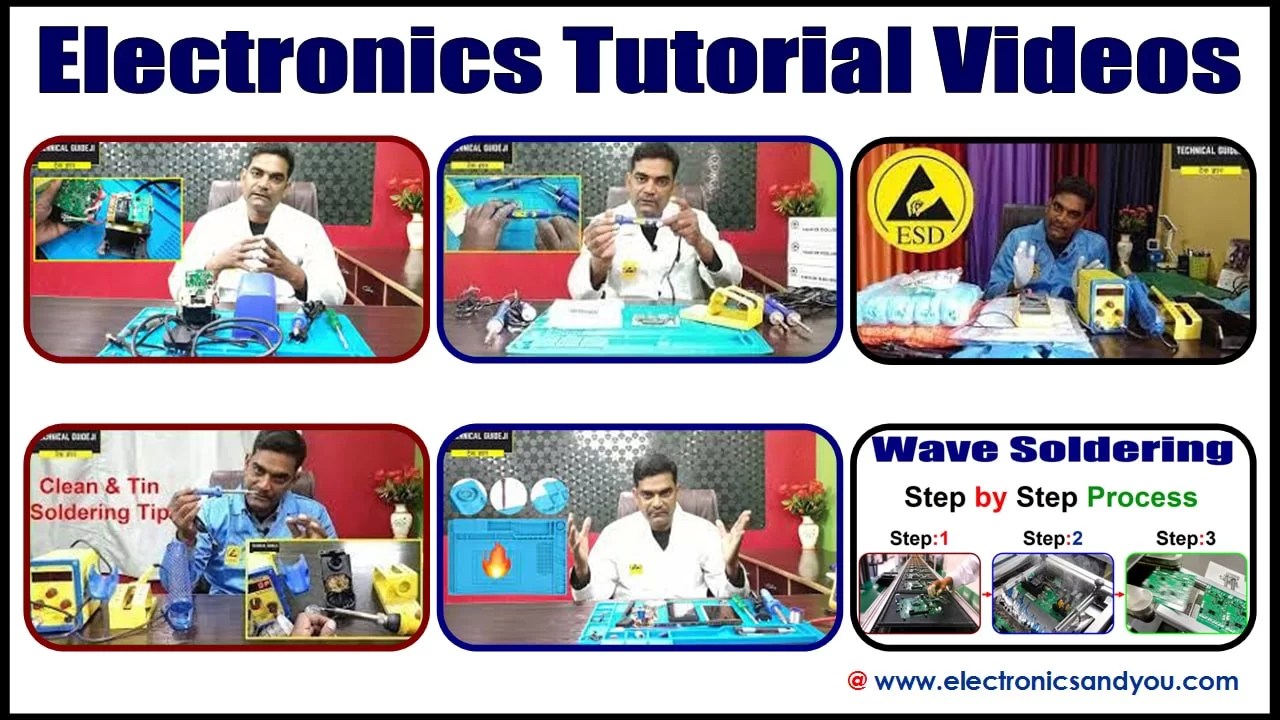
Video lessons show practical electronics concepts clearly. Watching experts explain and demonstrate makes understanding easier. Many channels offer step-by-step guides on circuits, components, and projects.
- Visual explanations help grasp complex ideas quickly.
- Pause and replay options allow learning at your speed.
- Project-based videos encourage hands-on practice.
Choose channels with clear audio and subtitles for better comprehension. Consistent practice alongside videos improves retention and skills.
Interactive Simulators
Simulators let you build and test circuits virtually. They provide a safe space to experiment without physical parts. This helps avoid costly mistakes and learn from trial and error.
- Drag-and-drop features simplify circuit design.
- Instant feedback shows how changes affect the circuit.
- Many simulators include tutorials to guide beginners.
Using simulators regularly sharpens problem-solving and design abilities. They prepare you for real-world electronics work effectively.
Community Forums And Support
Forums connect learners with experts and peers worldwide. Asking questions and sharing experiences boosts understanding. Communities provide motivation and diverse perspectives on problems.
- Find answers to common and specific electronics questions.
- Share your projects and get constructive feedback.
- Join challenges and group learning sessions.
Active participation builds confidence and deepens knowledge. It also helps stay updated on the latest electronics trends and tools.
Practice And Experimentation
Practice and experimentation are key to learning electronics at home. Working with real circuits helps you understand concepts better. Hands-on experience builds confidence and skills. Start with simple projects and slowly try complex ones. Testing and fixing circuits sharpens your problem-solving abilities.
Testing Circuits Safely
Safety is very important when testing circuits. Always use a multimeter to check voltage before touching parts. Work on a non-conductive surface to avoid shocks. Disconnect power when building or changing circuits. Use protective gear like gloves and goggles if needed. Keep liquids away from your workspace. Follow manufacturer instructions for all components and tools.
Troubleshooting Common Issues
Circuits may not work on the first try. Check all connections carefully. Look for loose wires or wrong placements. Use a multimeter to find breaks or shorts. Replace damaged components immediately. Test each part separately to isolate problems. Take breaks if you feel stuck. Fresh eyes can spot errors easily.
Documenting Your Progress
Keep a notebook or digital log of your experiments. Write down circuit diagrams and component lists. Note what worked and what did not. Record measurements and test results. Add photos or sketches for clarity. Tracking progress helps avoid repeating mistakes. Review your notes before starting new projects. This habit improves learning and saves time.

Credit: supportyourschool.co.za
Advanced Learning Paths
Once you have mastered the basics of electronics, advancing your skills at home involves diving deeper into specialized topics. This phase challenges you to understand complex concepts and apply them practically. It’s where your curiosity and patience truly pay off.
Microcontrollers And Programming
Microcontrollers bring electronics to life by allowing you to program devices to perform specific tasks. Learning to code microcontrollers like Arduino or Raspberry Pi opens up endless project possibilities.
Start with simple programs that blink an LED or read sensor data. As your confidence grows, you can control motors, displays, or even build small robots.
Have you tried writing your own code to make a gadget respond? This hands-on approach boosts both your programming and hardware skills simultaneously.
Digital Vs. Analog Electronics
Understanding the difference between digital and analog electronics is crucial for advanced learning. Digital circuits handle discrete signals, like on/off states, while analog circuits work with continuous signals.
Both have unique challenges and applications. For example, digital logic gates form the backbone of computers, while analog circuits manage real-world signals like sound and temperature.
Try comparing how a digital temperature sensor and an analog thermometer work. Which one fits your project needs better? This comparison sharpens your design choices.
Building Complex Projects
Complex projects combine multiple components and skills. They might include sensors, microcontrollers, communication modules, and power management all working together.
Start by breaking down a big idea into smaller, manageable parts. For example, building a home automation system can begin with controlling a single light before scaling up.
Document your process, troubleshoot carefully, and don’t hesitate to revisit earlier lessons. Each challenge solved is a step forward in your electronics journey.

Credit: supportyourschool.co.za
Frequently Asked Questions
What Basic Tools Are Needed To Start Learning Electronics At Home?
You need a multimeter, soldering iron, breadboard, jumper wires, and basic components like resistors and LEDs. These tools help you practice circuits and measure electrical values effectively.
How Can Beginners Understand Electronic Circuit Diagrams Easily?
Start with simple circuit symbols and their functions. Use interactive online simulators to visualize circuits. Gradually study more complex diagrams by building real circuits.
Which Online Resources Are Best For Learning Electronics At Home?
Websites like Khan Academy, Coursera, and YouTube channels offer tutorials. Forums like Reddit and electronics communities provide practical advice and project ideas.
How Important Is Practicing With Real Electronic Components?
Hands-on practice solidifies theoretical knowledge. It helps you understand component behavior and troubleshoot circuits, enhancing your learning experience significantly.
Conclusion
Learning electronics at home is simple with patience and practice. Start small, use online resources, and build your skills step-by-step. Experiment with circuits and ask questions often. Mistakes help you understand better. Keep exploring new projects to stay interested. Soon, you will feel confident working with electronics.
Enjoy the process and keep learning every day.
Leave a Reply