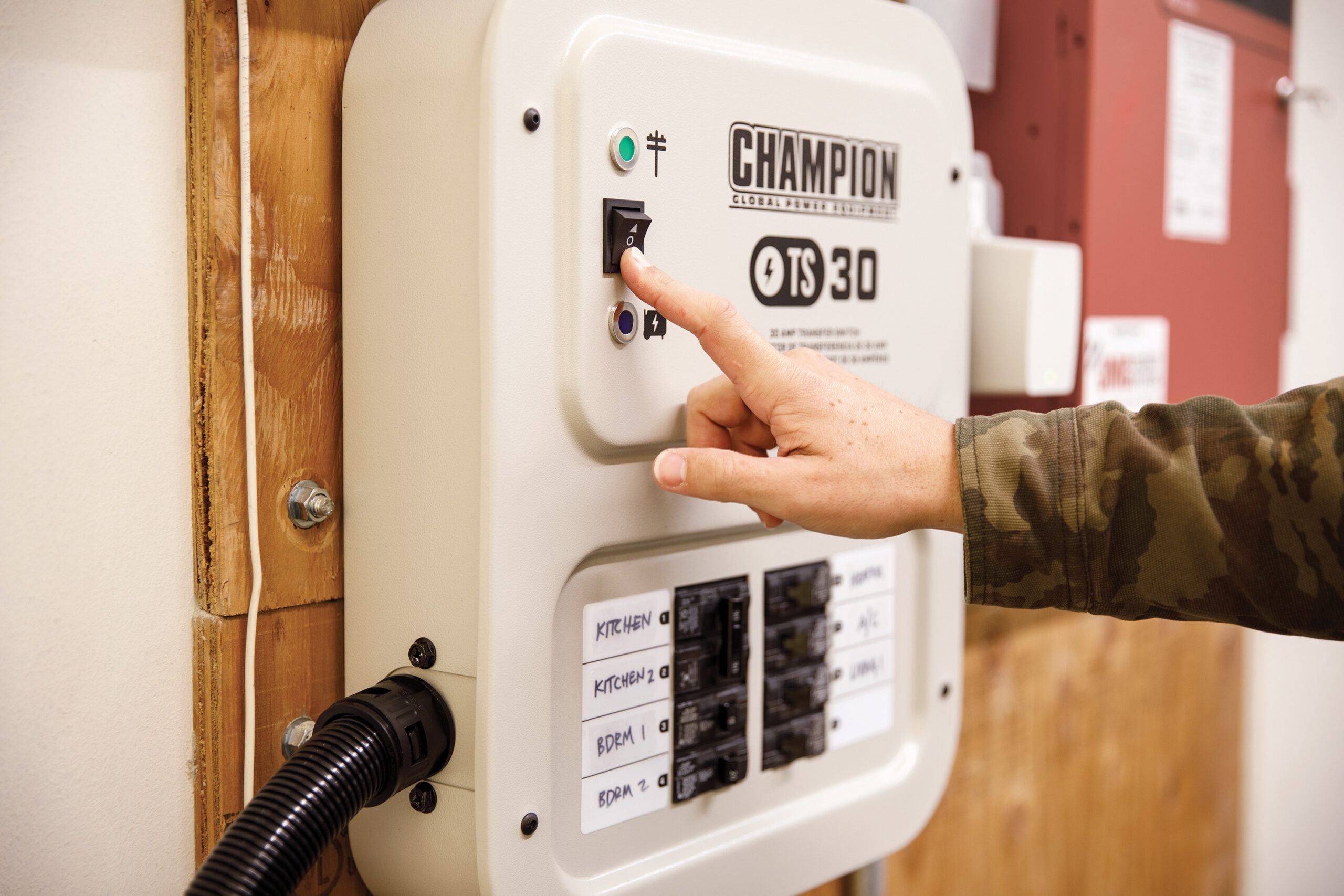
Picture this: the power goes out in your neighborhood, but you’re prepared. You fire up your home generator, ready to keep your essential electronics running.
But then a question pops into your mind: is it actually safe to plug your gadgets into this generator? You’re not alone. Many people wonder about the safety and reliability of using electronics on a home generator. The last thing you want is to damage your valuable devices or compromise your safety.
We’ll unravel the mystery and give you clear, concise answers. You’ll discover the best practices to protect your electronics and ensure that your home generator is a trusted ally during power outages. So, if you’ve ever felt unsure about connecting your TV, computer, or smartphone to a generator, keep reading. Your peace of mind is just a few paragraphs away.
Risks Of Using Electronics With Generators
Using electronics with a home generator might seem straightforward, but it carries some real risks you should know about. Generators do not always provide the clean, steady power that sensitive electronics require. Ignoring these risks can lead to costly repairs or even dangerous situations.
Power Surges And Fluctuations
Generators can produce power surges or voltage fluctuations that damage your devices. Unlike the stable power from your utility company, generator output can vary as the engine speed changes.
Have you ever noticed your lights flicker when a big appliance starts? That’s a sign of power fluctuation. These sudden changes can fry internal circuits in electronics like computers or TVs.
Potential Damage To Devices
Not all electronics are built to handle inconsistent power. Devices with microprocessors, such as laptops and gaming consoles, are especially vulnerable.
Even a brief power spike from your generator can corrupt data or permanently damage hardware. Using a surge protector or an uninterruptible power supply (UPS) can reduce this risk, but it doesn’t eliminate it completely.
Fire And Electrical Hazards
Improper use of generators can lead to dangerous fire and electrical hazards. Overloading a generator or using faulty wiring increases the risk of overheating and sparks.
Have you ever smelled burning plastic near your generator setup? That’s a warning sign you shouldn’t ignore. Always check connections and never exceed the generator’s rated capacity to keep your home and devices safe.
Credit: saferwestcounty.org
Choosing The Right Generator
Choosing the right generator is crucial to safely power your electronics at home. Not all generators provide the same quality of power, and picking one that matches your devices’ needs can prevent damage and ensure smooth operation. Understanding the different types and their output helps you make an informed choice.
Generator Types And Their Output
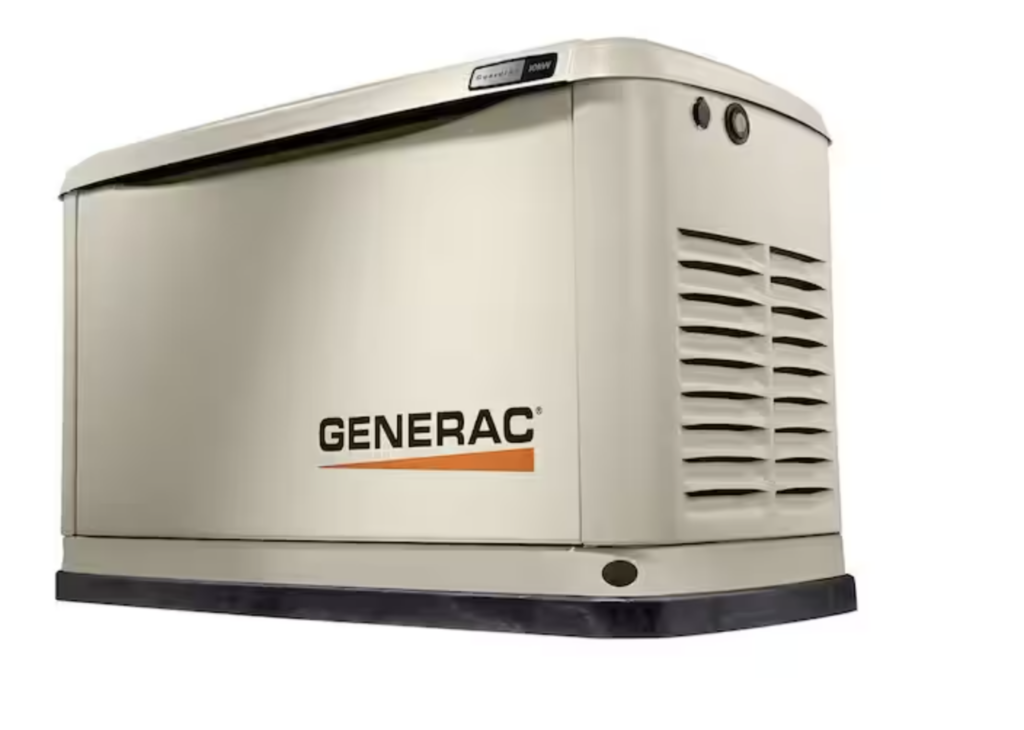
Generators mainly fall into two categories: portable and standby. Portable generators are flexible and can power a few devices during short outages. Standby generators connect directly to your home’s electrical system and can handle larger loads automatically.
Each type delivers electricity differently. Some produce a steady, clean power output, while others may cause fluctuations. These fluctuations can harm sensitive electronics like laptops or medical devices.
Inverter Vs. Conventional Generators
Inverter generators provide stable, clean power that mimics the electricity from your home outlets. This makes them ideal for sensitive electronics such as smartphones, computers, and TVs. They are quieter and often more fuel-efficient than conventional models.
Conventional generators are typically less expensive but can produce power with more voltage spikes. If you choose a conventional generator, consider using a surge protector to shield your devices. Have you checked if your generator’s output suits your electronics?
Matching Generator Capacity To Electronics
To avoid overloading your generator, calculate the total wattage of the devices you want to run. Add the starting watts (usually higher) and running watts of each device. Your generator’s capacity should exceed this total to run everything safely.
For example, a refrigerator may need 2000 starting watts but only 700 running watts. If you want to power a laptop, lights, and a fan simultaneously, make sure your generator can handle the combined load.
Do you know the exact power needs of your electronics? Identifying this helps prevent unexpected shutdowns or equipment damage.
Safe Connection Practices
Connecting your electronics safely to a home generator is crucial to prevent damage and ensure your devices run smoothly. Poor connection practices can lead to power surges, electrical shorts, or even fires. Paying attention to how you connect your devices protects both your generator and the electronics you rely on daily.
Using Proper Extension Cords
Not all extension cords are created equal. Choose cords rated for outdoor use and able to handle the wattage of your generator and devices.
Look for cords with a thick gauge (lower gauge numbers mean thicker wire). For most home generators, a 12- or 14-gauge cord works well.
Using cheap or worn-out cords increases the risk of overheating and voltage drops. Have you checked your extension cords recently to ensure they’re in good condition?
Avoiding Overloading Circuits
Each generator has a maximum wattage it can safely supply. Plugging in too many devices at once can overload the system and cause it to shut down or damage your electronics.
Make a list of your devices’ wattage to keep track of your total load. Prioritize essential electronics first and avoid running high-wattage appliances simultaneously.
Ever experienced flickering lights or a sudden shutdown? That’s usually a sign your generator is overloaded.
Grounding The Generator
Proper grounding prevents electrical shock and protects your equipment from power surges. Your generator’s manual will specify the grounding requirements for your model.
Typically, grounding involves connecting a grounding rod to your generator and driving it into the earth. It’s a simple step that adds a critical safety layer.
Skipping grounding might seem harmless, but is it worth risking your safety and gear? Grounding is a small effort with big benefits.

Credit: www.youtube.com
Protecting Electronics From Damage
Using a home generator can be very helpful during power outages. Protecting your electronics from damage is important. Generators can cause power fluctuations that harm devices. Taking the right steps keeps your gadgets safe and working well.
Using Surge Protectors
Surge protectors stop sudden spikes in electricity. These spikes can burn out your electronics. Plugging devices into surge protectors adds a safety layer. Choose protectors with a high joule rating for better defense. Replace surge protectors after a big power surge.
Voltage Regulators And Ups
Voltage regulators keep the power steady and safe. They prevent damage from voltage drops or spikes. Uninterruptible Power Supplies (UPS) provide backup power during outages. UPS also filter electricity to protect sensitive equipment. Use these devices for computers and home entertainment systems.
Regular Maintenance Checks
Check your generator often to ensure it runs smoothly. Clean air filters and oil change keep it efficient. Inspect electrical connections for loose wires or corrosion. Regular maintenance lowers the chance of power problems. Keep a maintenance log to track all checks and repairs.
Generator Placement And Ventilation
Proper generator placement and ventilation are essential for safe use of electronics at home. Generators produce fumes and heat, which can be harmful if trapped indoors. Placing your generator in a well-ventilated area reduces risks and ensures your electronics receive stable power. Careful attention to placement helps avoid dangers like carbon monoxide buildup and overheating.
Preventing Carbon Monoxide Poisoning
Generators emit carbon monoxide (CO), a deadly gas. Always place the generator outdoors in an open area. Avoid enclosed spaces such as garages or basements. Position the exhaust away from windows, doors, and vents. Use carbon monoxide detectors inside your home for added safety. Proper airflow prevents CO from entering your living space.
Safe Distance From Home
Keep the generator at least 20 feet from your home. This distance limits noise and fumes near living areas. Avoid placing it near air intakes or open windows. Ground the generator on a stable, dry surface. This reduces risk of electric shock and ensures steady operation. Following safe distance rules protects your family and home.
Noise And Environmental Considerations
Generators can be loud and disturb neighbors. Choose a location that minimizes noise impact. Use barriers or fences to reduce sound. Ensure the generator is protected from rain and snow. Proper ventilation helps avoid overheating and engine damage. Respect local noise ordinances and environmental guidelines.

Credit: www.cbc.ca
Emergency Preparedness Tips
Emergency preparedness is key when using a home generator. It keeps you safe and protects your electronics. Knowing the right steps helps you avoid risks and damage.
Monitoring Fuel Levels Safely
Check fuel levels often to avoid running out during power loss. Use a flashlight or a safe light source. Never check fuel near flames or sparks. Store fuel in approved containers away from the generator. Turn off the generator before refueling to stop fire hazards.
Shutting Down During Storms
Turn off the generator if a storm gets worse. Lightning and strong winds can cause damage. Keep the generator dry and covered but ensure airflow. Avoid using the generator in flooded areas. Disconnect electronics to prevent power surges when shutting down.
Keeping Fire Extinguishers Handy
Place a fire extinguisher near the generator. Choose an extinguisher rated for electrical fires. Check the extinguisher’s pressure and condition regularly. Know how to use it before an emergency occurs. This step helps control small fires quickly and safely.
Frequently Asked Questions
Is It Safe To Plug Electronics Into A Home Generator?
Yes, it is safe if your generator produces clean, stable power. Use an inverter generator or one with built-in surge protection to prevent damage to sensitive electronics.
Can Home Generators Damage Sensitive Electronics?
Poor quality generators can cause voltage fluctuations, which may harm sensitive devices. Always use generators designed for electronics and avoid overloading to protect your appliances.
How To Protect Electronics When Using A Generator?
Use surge protectors and voltage regulators with your generator. Connect devices through an inverter generator to ensure consistent and clean power supply for safety.
What Types Of Generators Are Best For Electronics?
Inverter generators are best for electronics. They provide stable, clean power with minimal voltage fluctuations, which is crucial for protecting sensitive devices.
Conclusion
Using electronics with a home generator can be safe with care. Choose a generator that matches your devices’ power needs. Always connect electronics properly to avoid damage. Avoid overloading the generator to keep it running well. Use surge protectors for extra safety.
Regularly maintain your generator to ensure steady power flow. Simple steps protect your devices and your home. Stay cautious, and your electronics will work fine during outages. Safety and proper use matter most.
Leave a Reply