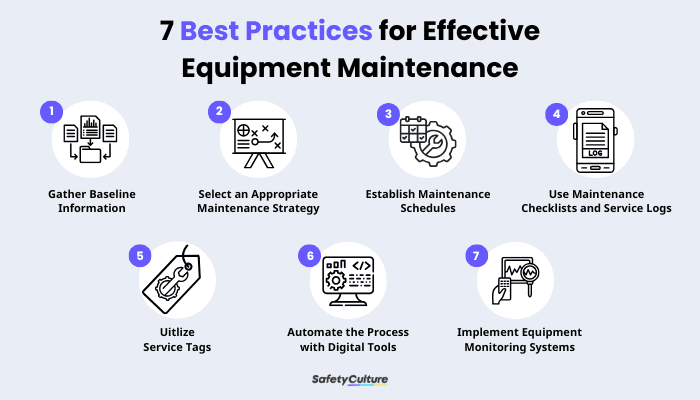
Are you struggling to master the Core Automated Maintenance System? You’re not alone.
Getting good at this powerful tool can feel overwhelming at first. But what if you could unlock its full potential with simple, clear steps? Imagine saving time, reducing errors, and making your maintenance tasks smoother than ever. This article will guide you through practical tips that anyone can follow.
By the end, you’ll feel confident and ready to take control of your maintenance system like a pro. Keep reading—your journey to mastery starts here.
Credit: facilio.com
Basics Of Core Automated Maintenance System
Understanding core automated maintenance systems improves efficiency and reduces downtime. Focus on learning key functions and practicing regular system checks for best results. Consistent use helps build confidence and skill over time.
Understanding the basics of a Core Automated Maintenance System (CAMS) can be your first step towards mastering this powerful tool. CAMS is designed to streamline maintenance operations by automating routine tasks, ensuring efficiency, and reducing human error. Whether you’re new to automated systems or looking to refine your skills, grasping the fundamentals is crucial to harnessing its full potential.Key Components
The core components of a CAMS include software, hardware, and a user interface. The software is the brain, handling data processing and task scheduling. Hardware, such as sensors and control units, communicate with the software to execute commands. A user-friendly interface is essential for smooth navigation, allowing users to interact efficiently with the system. It’s like having a reliable GPS guiding you through unknown territory. Make sure you familiarize yourself with each component to optimize your use of the system.Common Terminology
In the world of CAMS, understanding the language is key. Terms like “preventive maintenance,” “work orders,” and “downtime” are commonly used. Preventive maintenance refers to regular checks to prevent equipment failure. Work orders are task lists assigned to technicians, while downtime indicates periods when equipment is not operational. Knowing these terms helps you communicate effectively and manage tasks efficiently.System Functions
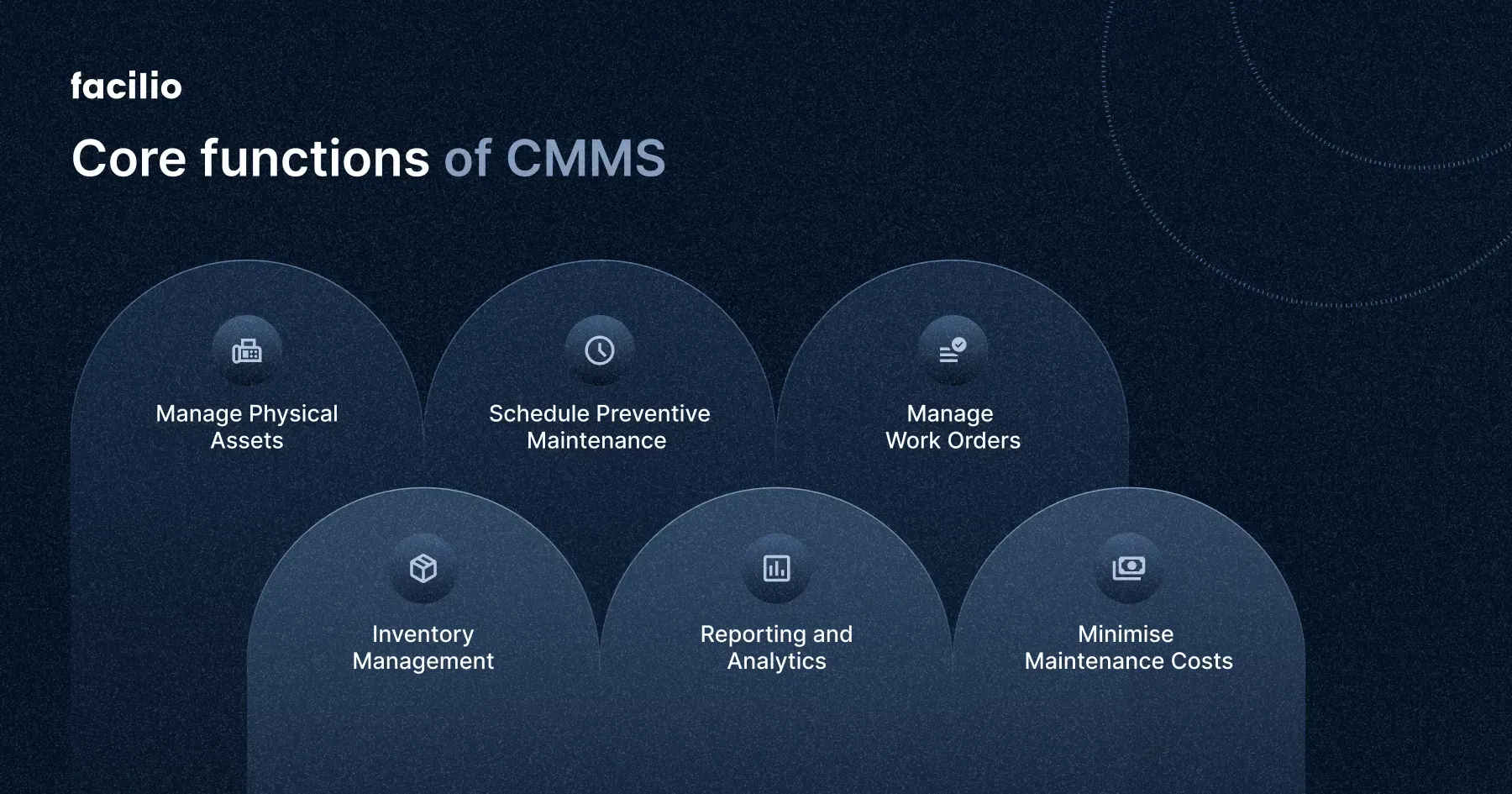
A CAMS isn’t just about automating tasks; it’s about enhancing overall productivity. The system performs functions such as scheduling maintenance, tracking asset history, and generating analytical reports. Scheduling ensures that maintenance is performed at optimal times, minimizing disruption. Tracking asset history allows you to analyze past performance and anticipate future needs. Analytical reports provide insights into efficiency and areas for improvement. How can you leverage these functions to improve your operations? The answer lies in consistent practice and exploration of the system’s capabilities.Setting Up For Success
Setting up your Core Automated Maintenance System (CAMS) correctly is the foundation of long-term success. A smooth start means fewer headaches later and a system that truly supports your maintenance goals. Pay close attention to the basics, because a small misstep here can cause big problems down the line.
Initial Configuration
Begin by tailoring the system settings to match your maintenance requirements. Define your asset categories clearly and set maintenance priorities based on real operational impact.
Don’t rush through this. Spend time adjusting notification preferences and scheduling rules so they align with your team’s workflow. This saves you from constant manual corrections later.
Think about how your team works daily. Are alerts too frequent or too sparse? Adjust the thresholds accordingly to keep everyone informed but not overwhelmed.
Data Integration
Your CAMS works best when it has accurate, up-to-date data. Connect it with your existing databases and equipment sensors to automate data flow.
Check the compatibility of your systems early to avoid integration roadblocks. Sometimes a small middleware tool can bridge gaps between older equipment and modern software.
Have you reviewed the quality of your current data? Garbage in, garbage out applies here. Clean and validate your asset records to get meaningful insights.
User Access Management
Control who can see and change what within the system. Assign roles that match each user’s responsibility to reduce errors and improve accountability.
Set up different permission levels for technicians, managers, and external contractors. This keeps sensitive information secure and ensures users only interact with relevant data.
Regularly review access rights. People move roles or leave, and your system access should reflect those changes immediately to maintain security.
Mastering Maintenance Scheduling
Mastering maintenance scheduling is key to efficient use of the Core Automated Maintenance System. A well-planned schedule keeps machines running smoothly and prevents costly breakdowns. Focused planning saves time and resources while improving overall system performance.
Creating Effective Schedules
Start by listing all equipment and their maintenance needs. Use the system’s calendar to set clear dates and times. Balance workload evenly to avoid overloading staff. Make schedules easy to read and follow. Regularly update schedules based on machine usage and condition.
Prioritizing Tasks
Identify critical machines that impact production most. Assign higher priority to tasks that prevent major failures. Use the system to flag urgent tasks automatically. Group similar tasks to save time. Keep track of completed and pending tasks to stay organized.
Handling Recurring Maintenance
Set up recurring tasks for regular checks and servicing. Use the system’s reminders to avoid missed maintenance. Adjust intervals based on machine performance data. Document each maintenance action for future reference. Automate reports to monitor recurring task effectiveness.
Credit: smartdev.com
Optimizing Work Order Management
Optimizing work order management is vital for smooth maintenance operations. It helps reduce downtime and ensures tasks are completed on time. Efficient work order management improves team coordination and resource use. Clear processes for generating, tracking, and closing work orders boost productivity and reduce errors.
Generating Work Orders
Create work orders with clear, detailed information. Include the task description, location, priority level, and required materials. Use templates to save time and keep consistency.
Assign work orders to the right team members based on skills and availability. Set deadlines to keep tasks on schedule. Use automated alerts to notify teams of new assignments.
Tracking Progress
Monitor work order status regularly to spot delays early. Use dashboards to view all active work orders in one place. Update progress in real time to keep everyone informed.
Track labor hours, parts used, and task completion stages. This data helps identify bottlenecks and improve future planning. Encourage workers to log updates promptly using mobile devices.
Closing And Reporting
Verify all work is complete before closing a work order. Check if the task meets quality standards and all materials are accounted for. Obtain confirmation from supervisors or clients if needed.
Generate reports summarizing completed work orders. Highlight patterns like frequent breakdowns or high maintenance costs. Use reports to make data-driven decisions and improve maintenance strategies.
Utilizing Advanced Features
Utilizing the advanced features of a Core Automated Maintenance System can transform how you manage equipment upkeep. These tools not only save time but also help prevent unexpected breakdowns by giving you more control and insight. Let’s look at some powerful features that can elevate your maintenance process.
Predictive Maintenance Tools
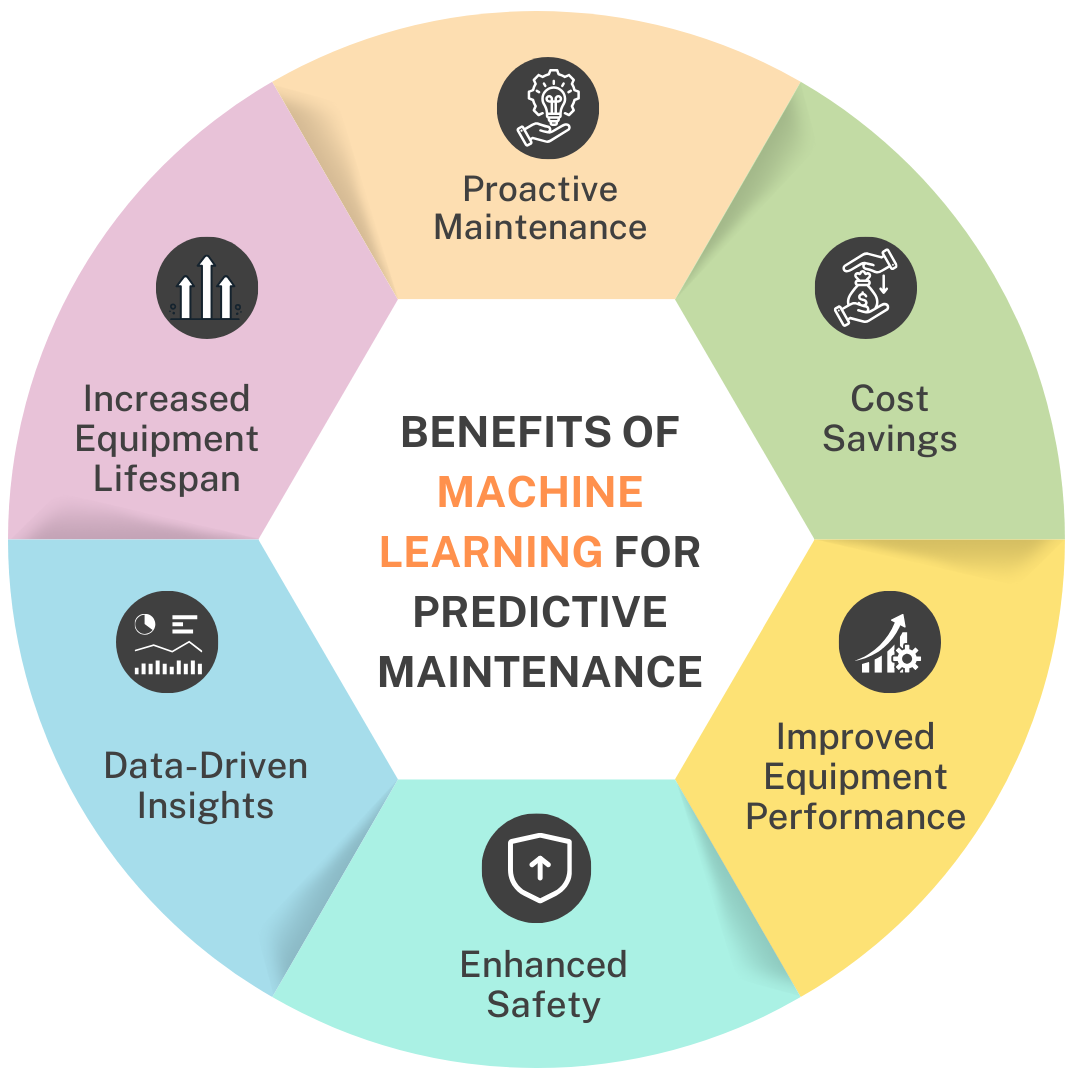
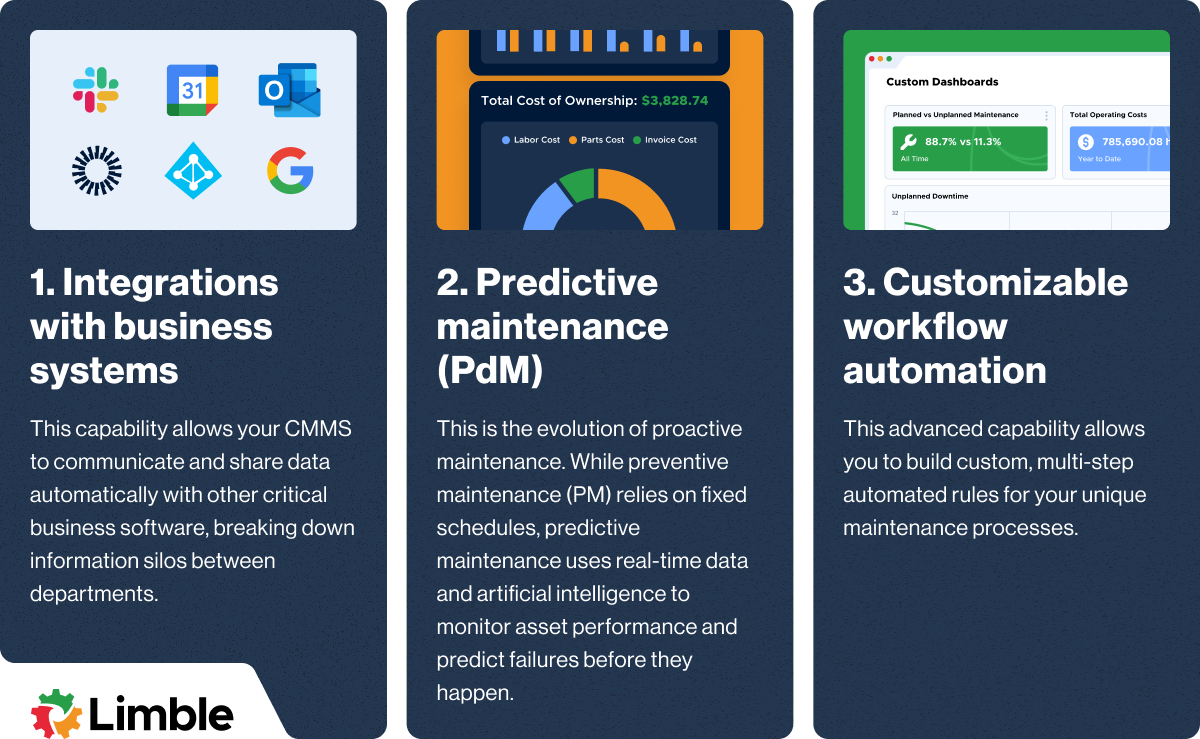
Predictive maintenance tools analyze data from your equipment to forecast when maintenance is needed. This means you can fix issues before they cause downtime. Imagine catching a failing motor early because the system alerted you to unusual vibrations—how much money could that save?
These tools use sensors and historical data to spot patterns that humans might miss. You don’t have to wait for something to break; instead, you get actionable alerts. This approach reduces repair costs and extends equipment life.
Mobile Access
Having mobile access means you can manage and monitor maintenance tasks from anywhere. Whether you’re on the shop floor, at a client site, or even at home, you stay connected to your system.
This flexibility speeds up decision-making and response times. You can approve work orders, check schedules, or review reports right from your smartphone or tablet. How often have you wished you could handle maintenance issues without being tied to a desk?
Customization Options
Customization lets you tailor the system to fit your specific needs. You can set up unique workflows, alerts, and dashboards that match your business processes.
For example, you might want to prioritize certain machines or create custom reports that highlight key performance indicators important to your team. This way, the system works for you—not the other way around.
Have you explored how adjusting settings could make your maintenance routine smoother? Small tweaks can lead to big improvements in efficiency and accuracy.
Troubleshooting Common Issues
Facing issues with the Core Automated Maintenance System can be frustrating, especially when you need it running smoothly. Troubleshooting common problems quickly keeps your workflow intact and saves time. Let’s dive into how you can identify errors, apply quick fixes, and decide when to ask for help.
Error Identification
Recognizing the exact error is the first step to solving any problem. Pay attention to error codes or messages displayed on your system interface. These often provide clues about what went wrong.
Keep a log of recurring errors. This helps you spot patterns and predict potential failures before they happen. Have you noticed certain errors popping up after specific tasks?
Quick Fixes
Many issues can be resolved with simple actions. Restart the system to clear temporary glitches. Check all connections to ensure nothing is loose or disconnected.
Update your software regularly. Outdated versions often cause unexpected errors. Clearing cache or resetting settings to default can also restore normal function.
- Restart the system
- Verify all connections
- Update software
- Clear cache
- Reset settings to default
When To Seek Support
If problems persist despite your efforts, it’s time to contact support. Complex errors involving hardware or deep software issues need expert attention.
Don’t hesitate to reach out if you encounter repeated failures or if the system affects your critical operations. Waiting too long can lead to bigger disruptions.
Remember, knowing when to ask for help is part of mastering the system. What’s your threshold before calling in support?
Tips From Industry Experts
Experts in Core Automated Maintenance System share valuable tips. These tips help improve skills and avoid costly errors. They focus on practical advice from real experience. Applying these insights can boost efficiency and system reliability.
Best Practices
- Keep system data accurate and up to date.
- Regularly schedule preventive maintenance tasks.
- Use automation tools to reduce manual errors.
- Train staff on system features and updates.
- Monitor system alerts and respond promptly.
Avoiding Common Pitfalls
- Do not ignore small system warnings.
- Avoid overcomplicating maintenance schedules.
- Steer clear of skipping regular software updates.
- Do not rely solely on automated reports.
- Prevent data entry mistakes by double-checking inputs.
Continuous Improvement Strategies
- Review system performance regularly for gaps.
- Gather feedback from maintenance teams frequently.
- Test new features in a controlled environment first.
- Update procedures based on past maintenance results.
- Invest in ongoing training and learning resources.
Credit: limblecmms.com
Frequently Asked Questions
What Is Core Automated Maintenance System?
Core Automated Maintenance System (CAMS) is a software tool that manages maintenance activities efficiently. It automates scheduling, tracking, and reporting of equipment upkeep. CAMS reduces downtime and increases productivity by streamlining maintenance workflows.
How To Improve Skills In Core Automated Maintenance System?
To improve skills, practice using CAMS regularly and explore its features deeply. Take online tutorials, attend workshops, and read user manuals. Stay updated with software upgrades and participate in maintenance forums for shared tips and solutions.
What Are Common Challenges With Core Automated Maintenance System?
Common challenges include software complexity, data entry errors, and resistance to change. Users may face difficulties integrating CAMS with existing systems. Proper training and support help overcome these issues, ensuring smoother adoption and better maintenance outcomes.
Can Core Automated Maintenance System Save Maintenance Costs?
Yes, CAMS can reduce maintenance costs by preventing equipment failures. It optimizes resource allocation and schedules timely repairs. This proactive approach minimizes emergency fixes and extends asset lifespan, leading to significant cost savings.
Conclusion
Getting good at Core Automated Maintenance System takes time and practice. Start with basic tasks and build your skills step by step. Use available resources and ask questions when unsure. Stay consistent and keep learning every day. Small efforts lead to better understanding and results.
Remember, patience and focus help improve your abilities. Keep trying, and you will see progress soon.
Leave a Reply