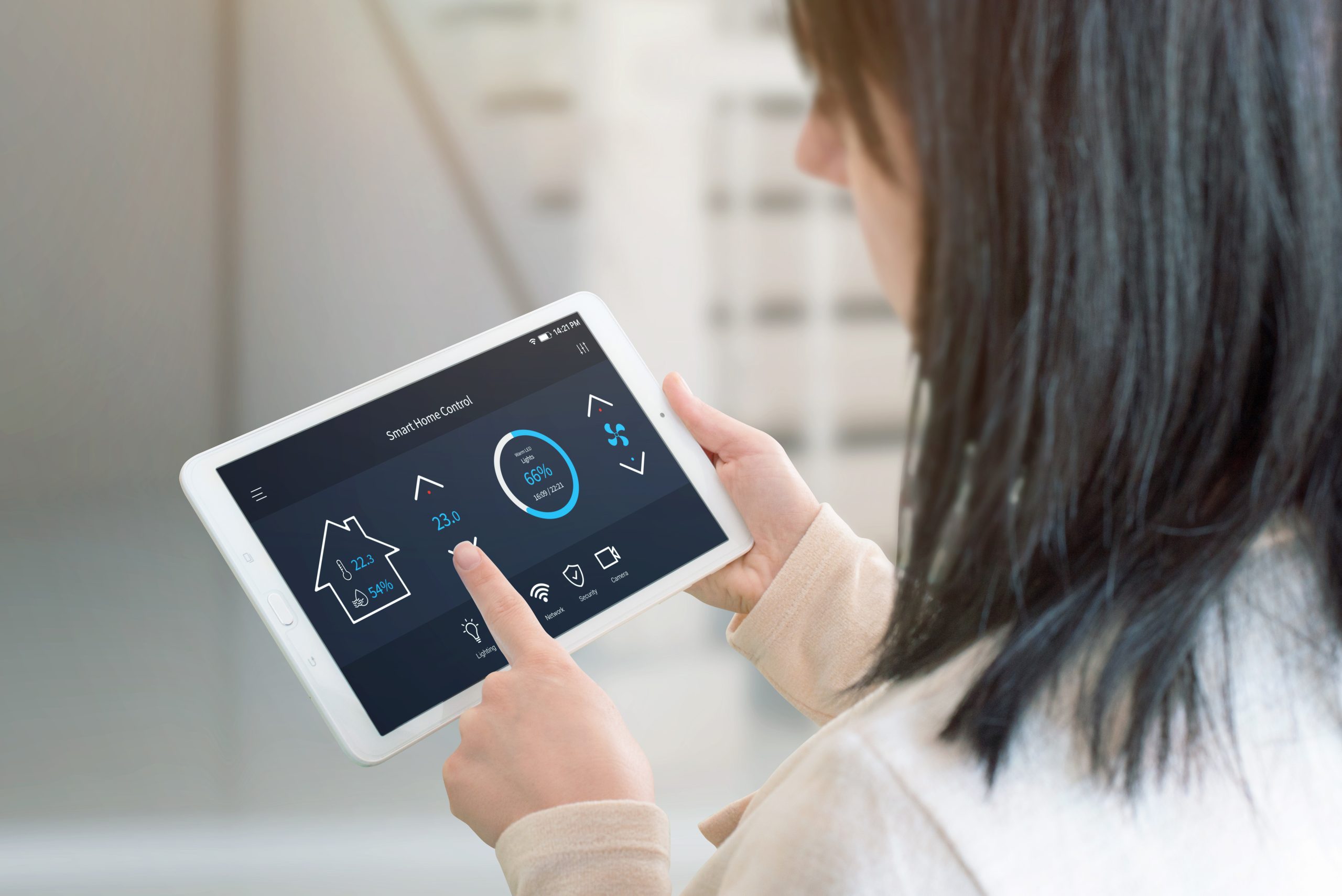
Imagine walking into your home and having the lights adjust to your mood, the thermostat set to your perfect temperature, and your favorite playlist softly playing in the background. This isn’t a scene from a sci-fi movie; it’s the reality of a smart home.
Setting up smart home devices can transform your living space into a seamless blend of comfort and technology. But where do you start? You might feel overwhelmed by the sheer number of gadgets and options available. Don’t worry; you’re not alone.
This guide will walk you through the process, step by step, ensuring you can enjoy the perks of a smart home without the stress. Ready to make your home smarter and your life easier? Let’s dive in!
Choosing The Right Devices
Choosing the right smart home devices can feel overwhelming with so many options available. The key is to focus on what truly fits your lifestyle and home setup. Narrowing down your choices will save you time, money, and frustration in the long run.
Assessing Your Needs
Start by asking yourself what you want to achieve with smart devices. Are you looking to improve security, save energy, or simply add convenience? Knowing your priorities helps you pick devices that deliver real value.
Think about daily routines and pain points. If you often forget to turn off lights, smart bulbs or plugs could be a great start. If you want better control over your home’s temperature, smart thermostats are worth considering.
Compatibility With Existing Systems
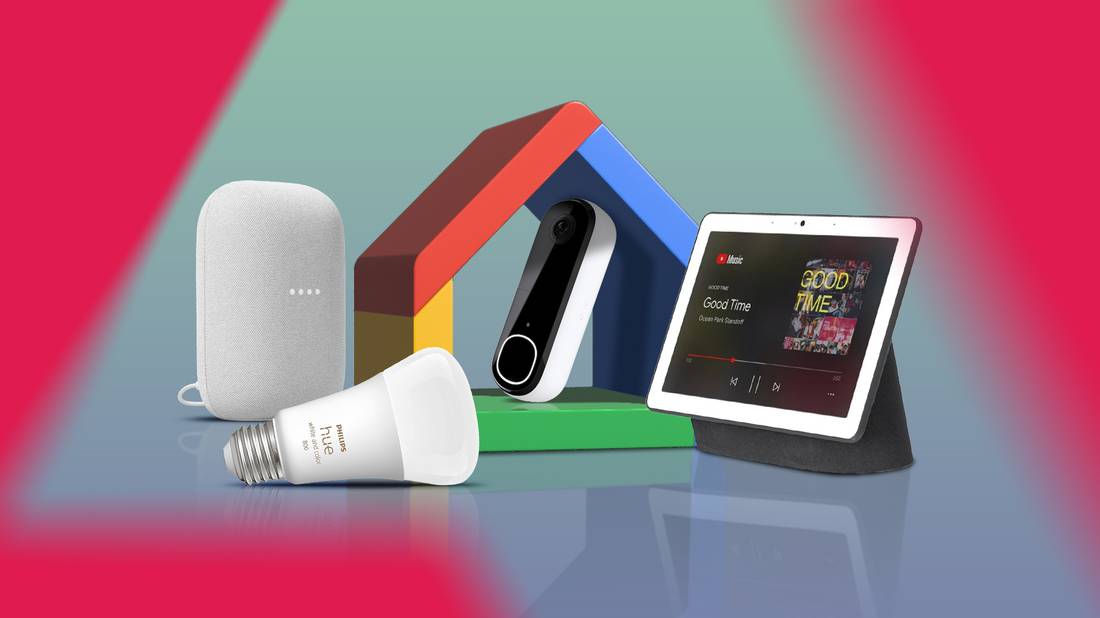
Check whether new devices will work well with what you already have. Many smart devices require a hub or a specific platform like Alexa, Google Home, or Apple HomeKit. Mixing incompatible systems can lead to frustration and limited functionality.
Look for devices that support common standards like Wi-Fi, Zigbee, or Z-Wave. This increases the chances they’ll integrate smoothly. Don’t hesitate to test apps and interfaces beforehand to see if they feel intuitive to you.
Budget Considerations
Set a clear budget before shopping. Smart home technology varies widely in price, and it’s easy to get carried away with features you may never use. Focus on devices that offer the best balance of cost and usefulness.
Consider the total cost, including installation and any subscription fees. Sometimes spending a bit more upfront means better reliability and fewer headaches later. Are you prepared to invest time in setup, or do you prefer plug-and-play solutions?

Credit: ojasvit.in
Preparing Your Home Network
Preparing your home network is the first step to a smooth smart home experience. Devices like smart lights, cameras, and thermostats rely on a stable and secure Wi-Fi connection. Setting up your network correctly helps avoid interruptions and security risks.
Ensuring Strong Wi-fi Coverage
Good Wi-Fi coverage means your smart devices stay connected all day. Place your router in a central location. Avoid areas with thick walls or metal objects that block signals. Use Wi-Fi extenders or mesh networks to cover large homes or multiple floors. Test signal strength in rooms where you plan to install devices.
Securing Your Network
Protect your network to keep your devices safe from hackers. Change the default router password to a strong, unique one. Enable WPA3 or WPA2 encryption for better security. Turn off WPS and UPnP features, which can create vulnerabilities. Keep your router’s firmware updated to patch security holes.
Setting Up A Dedicated Network For Devices
Create a separate Wi-Fi network for your smart devices. Many routers allow you to set up a guest network or a dedicated IoT network. This separation limits access to your main devices like computers and phones. It also reduces the risk if a smart device is compromised. Assign clear names to each network for easy management.
Installing Smart Devices
Installing smart devices is an exciting part of setting up your smart home. It brings technology to life and makes your living space more convenient. This process includes unboxing, connecting to Wi-Fi, and updating device firmware. Each step ensures your devices work smoothly and securely.
Unboxing And Initial Setup
Start by carefully opening the device package. Check for all parts listed in the manual. Take time to read the quick start guide. It gives important info about the device and safety tips.
Place the device in the desired location before powering it on. Some devices need batteries; others plug into an outlet. Follow the instructions to prepare the device for use.
Connecting To Wi-fi
Smart devices need internet access to work properly. Use the device’s app or control panel to find Wi-Fi settings. Select your home network from the list shown.
Enter your Wi-Fi password carefully. A wrong password will stop the device from connecting. Wait a few moments as the device joins your network.
Ensure your Wi-Fi signal is strong where the device is placed. Weak signals cause connection problems and slow responses.
Firmware Updates
Firmware updates improve device performance and security. Check the app or device menu for update options. Download and install updates when available.
Keep devices powered during updates to avoid errors. Updates may take several minutes. Restart the device if the update process asks you to.
Regular updates keep your smart home safe and running well. Set reminders to check for updates often.
Credit: simpled.uk
Configuring Device Settings
Configuring your smart home devices correctly is key to making them truly work for you. It’s not just about turning them on; it’s about tailoring each device to match your lifestyle and preferences. This ensures your smart home feels personal, efficient, and secure.
Customizing Preferences
Start by exploring the device’s app or control panel. Look for options that let you adjust brightness, volume, or notification settings. For instance, I set my smart lights to a softer glow in the evenings, which helps me unwind after work.
Don’t hesitate to test different settings. You might find that a motion sensor works best with a shorter delay, or your thermostat feels more comfortable with a slight temperature tweak. These small changes make a big difference in daily comfort.
Setting Up Automations
Automations let your devices work together without you lifting a finger. You can program your lights to turn off when you leave home or have your coffee maker start brewing as soon as your morning alarm goes off.
Think about your daily routine and identify moments that could be simplified. Many apps offer preset automation templates, but customizing them to fit your schedule adds real value. Have you considered what tasks you’d want done automatically to save time?
Managing User Access
Smart homes often involve multiple users, so controlling who can access what is crucial. You can usually add family members or trusted friends and assign different permission levels.
For example, you might allow kids to control the music but restrict thermostat changes. This keeps your home secure and prevents accidental adjustments. Have you reviewed who currently has access to your devices lately?
Integrating Devices For Seamless Control
Integrating smart home devices creates a unified system that simplifies control. It lets you manage lights, locks, and thermostats from one place. Integration brings convenience and saves time. Setting up devices to work together ensures smooth operation.
Using Smart Home Hubs
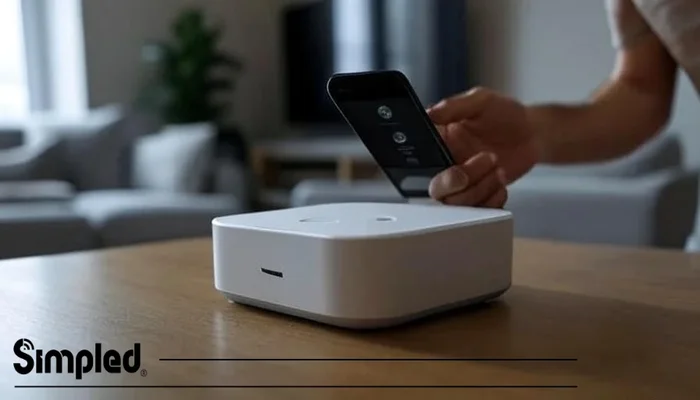
Smart home hubs act as a central control point. They connect various devices, even if they use different brands or protocols. Hubs allow communication between gadgets like lights, cameras, and sensors.
Choosing the right hub depends on your devices and needs. Popular hubs include Samsung SmartThings, Hubitat, and Wink. These hubs offer apps to control devices remotely and automate tasks.
Voice Assistant Integration
Voice assistants like Alexa, Google Assistant, and Siri enable hands-free control. Linking devices to these assistants allows you to use voice commands. You can turn off lights, play music, or check the weather.
To connect devices, use the assistant’s app and follow pairing instructions. Group devices into rooms or zones for easier control. Voice control adds comfort and accessibility to your smart home.
Creating Routines And Scenes
Routines and scenes automate multiple devices with one command. For example, a “Good Night” routine can lock doors, turn off lights, and lower the thermostat. Scenes set specific moods by adjusting lighting and music.
Use your hub or voice assistant app to build routines. Choose triggers like time of day, voice commands, or sensor activity. This saves effort and enhances your home’s smart features.
Credit: www.androidpolice.com
Troubleshooting Common Issues
Setting up smart home devices can sometimes hit a snag, but troubleshooting common issues is part of the process. Knowing how to tackle these problems quickly saves you time and frustration. Let’s look at practical ways to fix typical hurdles you might face.
Connectivity Problems
Smart devices rely heavily on a stable internet connection. If your device isn’t responding, start by checking your Wi-Fi signal strength and router status. Moving your device closer to the router or reducing interference from other electronics often improves connectivity.
Have you tried restarting your router? This simple step can clear up many network issues. Also, ensure your device firmware and app are up to date, as outdated software can cause connection failures.
Device Malfunctions
Sometimes your smart device might freeze or behave unpredictably. This can happen due to software glitches or hardware faults. Try turning the device off and on again to refresh its system.
If the problem persists, check the manufacturer’s support site for known issues or firmware updates. Certain devices have diagnostic modes—running these can pinpoint the exact problem.
Resetting And Reinstalling
Resetting your device to factory settings often clears stubborn issues. Look for a small reset button or follow the app instructions to perform this step. Keep in mind, resetting deletes all your settings, so you’ll need to set it up again.
After resetting, reinstall the device through the official app. This gives you a fresh start and often resolves hidden bugs. Have you ever noticed how a clean reinstall can make your device feel brand new?
Maintaining And Updating Devices
Keeping your smart home devices running smoothly means you need to maintain and update them regularly. Neglecting this can lead to security risks, reduced functionality, or even device failure. Staying on top of maintenance ensures your smart home stays reliable and continues to make your life easier.
Regular Software Updates
Software updates are essential for protecting your devices from new security threats. These updates often fix bugs and improve device performance, so skipping them can cause issues.
Many devices offer automatic updates, but it’s good to check manually from time to time. Have you ever noticed your smart speaker acting sluggish? A quick update might solve that problem instantly.
- Set reminders to check for updates monthly.
- Enable automatic updates if available.
- Review update notes to understand what changes are made.
Monitoring Device Performance
Keeping an eye on how your devices perform helps you catch problems early. If a smart thermostat isn’t responding as quickly as before, it might be time for a reset or calibration.
You can often monitor performance through the device’s app, which shows battery levels, connectivity status, and error messages. Regular checks prevent small issues from turning into big headaches.
- Check device responsiveness weekly.
- Look for unusual behaviors or error alerts.
- Keep batteries fresh or replace rechargeable ones as needed.
Expanding Your Smart Home System
Adding new devices can improve your smart home experience, but it requires planning. Make sure new gadgets are compatible with your existing setup to avoid frustration.
Think about what tasks you want to simplify next. Adding smart lighting or security cameras can be great upgrades that work well with many systems.
- Research compatibility before buying new devices.
- Integrate gradually to monitor system performance.
- Use hubs or apps that support multiple brands for easier control.
Frequently Asked Questions
What Are The First Steps In Setting Up Smart Home Devices?
Start by choosing compatible devices and a central hub or app. Connect devices to Wi-Fi and follow manufacturer setup instructions. Test each device for proper functionality before integrating them into your smart home system.
How Do I Ensure Smart Devices Are Secure From Hackers?
Use strong, unique passwords for each device and your Wi-Fi network. Enable two-factor authentication when available. Regularly update device firmware to patch security vulnerabilities and monitor devices for unusual activity.
Which Smart Home Devices Offer The Best Value For Beginners?
Smart speakers, smart bulbs, and smart plugs are affordable and easy to use. These devices provide convenience and can be expanded later. They offer simple automation and voice control to enhance your smart home experience.
Can I Control Smart Home Devices Remotely?
Yes, most smart devices connect to cloud services, allowing remote control via smartphone apps. This enables you to manage your devices anytime and anywhere with an internet connection, improving convenience and security.
Conclusion
Setting up smart home devices can be simple and fun. Start with one device and learn step-by-step. Connect devices to your home Wi-Fi for smooth use. Always follow the instructions carefully for best results. Keep your passwords safe and update device software regularly.
Enjoy the comfort and ease that smart homes bring. Small changes today can make life easier tomorrow. Take your time and explore what works best for you. Smart homes are about making daily tasks easier and safer.
Leave a Reply