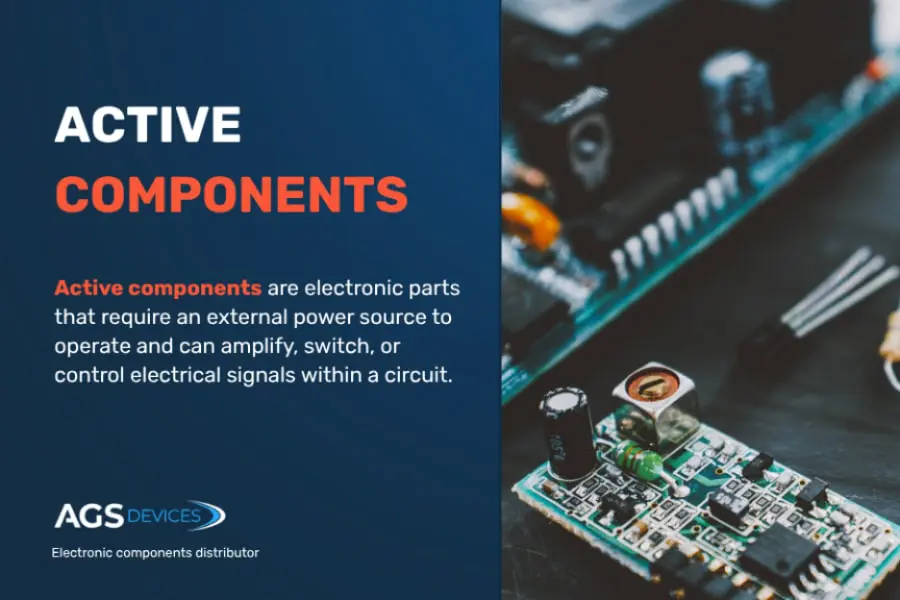
Are you tired of struggling with faulty gadgets or unclear circuit issues? Knowing how to inspect electronic components can save you time, money, and frustration.
When you learn the simple steps to check your parts carefully, you gain control over your projects and repairs. Imagine spotting problems before they cause bigger damage or knowing exactly which piece needs replacement. This guide will walk you through easy, effective ways to inspect electronic components, so you can work smarter and feel confident every step of the way.
Keep reading—your next successful fix starts here.
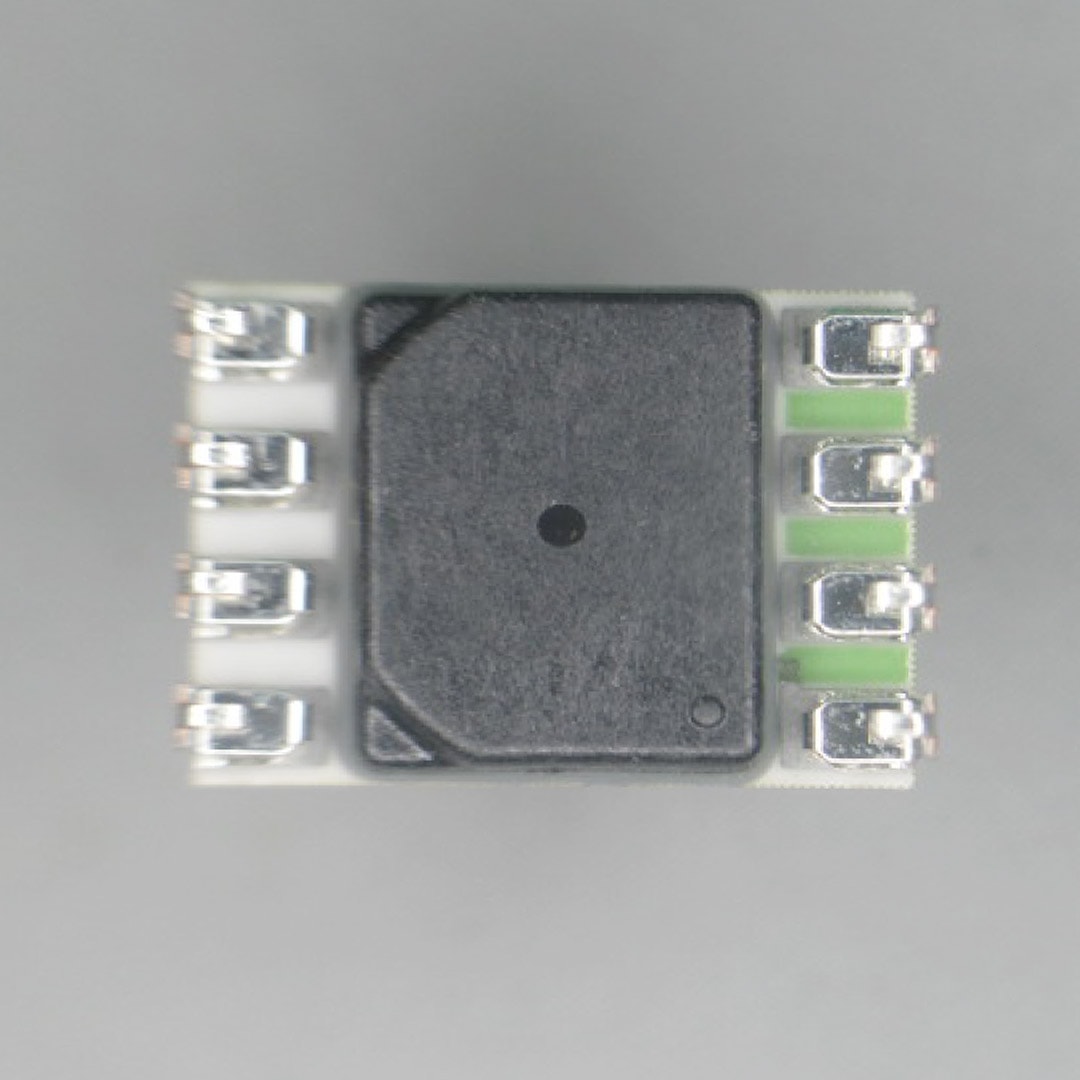
Credit: suntsu.com
Tools For Inspection
Inspecting electronic components requires the right tools to ensure accuracy. Each tool serves a specific purpose, aiding in thorough examination. Let’s explore the essential tools for inspecting electronic components.
Multimeters And Oscilloscopes
Multimeters measure voltage, current, and resistance. They are essential for diagnosing faults. Oscilloscopes display voltage changes over time. Use them to view waveforms and detect signal issues. Both tools are vital for electronic inspections.
Magnification Devices
Magnification devices help inspect small components. Use a magnifying glass or microscope for detailed views. These tools reveal tiny defects not visible to the naked eye. They are crucial for accurate inspections.
Soldering And Desoldering Equipment
Soldering irons help attach components to circuit boards. Desoldering tools remove them when needed. Proper soldering ensures secure connections. These tools are vital for component inspection and repair.
Visual Inspection Techniques
Visual inspection is the first and simplest step in checking electronic components. It helps find obvious faults without special tools. A careful look can reveal many common problems that affect performance.
Use good lighting and a magnifying glass for better detail. Take time to examine each component closely. Note any unusual signs that might point to damage or wear.
Checking For Physical Damage
Look for cracks, chips, or broken parts on the component. Bent pins or leads can cause poor connections. Missing parts or pieces may indicate previous damage. Physical damage often leads to failure or intermittent issues.
Identifying Burn Marks And Corrosion
Burn marks appear as dark spots or discoloration on components. They show overheating or short circuits. Corrosion looks like white or greenish powder on metal areas. It causes poor conductivity and may damage parts over time.
Verifying Component Labels And Codes
Check if labels and codes are clear and readable. These markings identify the component type and value. Faded or missing labels make identification difficult. Compare codes to datasheets or reference guides for accuracy.
Testing Electrical Properties
Testing the electrical properties of electronic components is crucial to ensure they function correctly within your circuits. This process helps you identify faulty parts before installation, saving time and preventing damage to other components. Understanding how to measure resistance, capacitance, and other properties empowers you to troubleshoot effectively and maintain reliable electronics.
Measuring Resistance And Continuity
Resistance tells you how much a component opposes electric current. Use a multimeter set to the resistance mode to check resistors and wiring. A reading close to the component’s specified value means it’s good; a significantly different value indicates damage or wear.
Continuity testing checks if current can flow through a component or connection without interruption. It’s useful for verifying wires, switches, and fuses. When you hear a beep from your multimeter, it means the path is complete, confirming the component isn’t broken inside.
Checking Capacitance And Inductance
Capacitors store and release electrical energy, so their capacitance value is vital. Use a capacitance meter or a multimeter with this feature to measure it. If the reading is too low or too high compared to the rated value, the capacitor might be faulty or degraded.
Inductors resist changes in current, and their inductance can be measured with specialized meters. This test is less common but important for coils and transformers. Consistent inductance readings ensure the component will behave as expected in your circuit.
Testing Diodes And Transistors
Diodes allow current to flow in one direction only. Set your multimeter to diode mode and check for a forward voltage drop, usually between 0.6V and 0.7V for silicon diodes. A reading outside this range or a short circuit reading means the diode is likely damaged.
Transistors control current flow and amplify signals. Testing them involves checking the junctions between their leads using diode mode. If any junction shows an open circuit or short, the transistor won’t work properly and should be replaced.

Credit: www.youtube.com
Handling And Safety Tips
Handling electronic components with care is essential for their longevity and performance. Following safety tips helps prevent damage and ensures a safe working environment. Simple habits protect both the components and the person working on them.
Anti-static Precautions
Static electricity can easily damage sensitive parts. Use an anti-static wrist strap to ground yourself. Work on an anti-static mat to reduce risk. Avoid synthetic clothing that creates static charges. Always touch a grounded metal object before handling components.
Proper Component Storage
Store components in anti-static bags or containers. Keep them in a dry place to prevent moisture damage. Label storage containers clearly for easy identification. Avoid stacking heavy items on delicate parts. Organize components by type and size to save time.
Safe Soldering Practices
Work in a well-ventilated area to avoid inhaling fumes. Use a soldering iron with a temperature control feature. Keep the tip clean and properly tinned for better heat transfer. Never touch the hot tip or freshly soldered joints. Turn off the soldering iron when not in use to prevent accidents.
Common Inspection Challenges
Inspecting electronic components can be tricky due to several common challenges that often catch even experienced technicians off guard. These hurdles can slow down your diagnostic process and sometimes lead to missed faults. Understanding these challenges helps you prepare better and improve your inspection accuracy.
Dealing With Tiny Surface Mount Devices
Surface mount devices (SMDs) are incredibly small, making visual inspection tough without magnification tools. You might find yourself squinting at tiny resistors or capacitors that are barely visible to the naked eye.
Using a good quality microscope or magnifying glass can make a huge difference here. Also, steady hands and patience are key—you’ll want to avoid accidental damage while probing these tiny parts.
Have you ever missed a cracked SMD because it was just too small to see? Adding proper lighting and using digital magnifiers can help you catch those subtle defects.
Detecting Intermittent Faults
Intermittent faults are frustrating because they don’t show up consistently. A component might work perfectly one moment and fail the next, making it hard to pinpoint the exact cause.
To catch these faults, try applying stress tests like thermal cycling or vibration to simulate real-world conditions. Monitoring the component’s behavior over time can reveal these hidden issues.
Ask yourself: could this component be failing only when heated or under load? Using oscilloscopes or data loggers to record intermittent signals can provide valuable clues.
Troubleshooting Hidden Damage
Not all damage is visible on the surface. Internal cracks, corrosion under solder joints, or damaged traces can escape initial inspection.
Using tools like X-ray inspection or thermal imaging can expose hidden problems that you wouldn’t detect with just your eyes. Sometimes, reflowing solder joints or cleaning contact points reveals faults that were masked by dirt or oxidation.
Think about the last time you replaced a perfectly clean-looking component only to find the fault persisted. Could the issue be lurking beneath the surface?
Documenting Inspection Results
Documenting inspection results is a crucial part of inspecting electronic components. Clear records help track component quality and ensure consistent performance. Proper documentation supports troubleshooting and future audits. It also helps maintain quality standards and improves communication among teams.
Creating Inspection Checklists
Checklists organize inspection tasks and ensure nothing is missed. They list all components and key points to verify. Use simple items like:
- Component type and model
- Visual defects or damage
- Correct orientation
- Cleanliness and solder quality
- Measured electrical values
Checklists improve accuracy and speed during inspections. They also serve as proof of work done.
Recording Measurements
Accurate measurement recording is essential for reliable results. Use clear units and note exact values for resistance, capacitance, and voltage. Record the date and inspector’s name for each entry. Use tables or forms for easy reading and comparison. This practice helps detect trends or recurring problems quickly.
Using Software Tools For Tracking
Software tools simplify tracking inspection data. They allow easy entry, storage, and retrieval of records. Many tools offer features like:
- Automated alerts for out-of-spec components
- Data visualization with graphs and charts
- Exporting reports for audits or reviews
- Centralized access for team collaboration
Digital tracking saves time and reduces errors. It ensures inspection data stays organized and secure.

Credit: www.allpcb.com
Frequently Asked Questions
How Do You Visually Inspect Electronic Components?
Visual inspection involves checking for physical damage, discoloration, and corrosion. Use a magnifying glass or microscope to spot defects. Look for broken leads, burnt spots, or bulging capacitors. Proper lighting helps identify subtle issues. This step ensures components are physically intact before testing.
What Tools Are Essential For Inspecting Components?
Key tools include a multimeter, magnifying glass, tweezers, and soldering iron. A multimeter tests electrical properties like resistance and continuity. Magnifying glass helps detect small damages. Tweezers assist in handling tiny parts. A soldering iron is useful for rework or removing faulty components.
How To Test Electronic Components For Functionality?
Use a multimeter to measure resistance, voltage, and continuity. Test capacitors for capacitance and leakage. Check diodes for forward and reverse bias conditions. Transistors require testing for junction integrity. Always follow manufacturer datasheets for proper test procedures and ranges.
Why Is Inspecting Components Important Before Assembly?
Inspecting components prevents circuit failures and ensures reliability. Faulty parts can cause malfunctions or damage to other components. Early detection saves time and repair costs. It guarantees the overall quality and longevity of electronic devices.
Conclusion
Inspecting electronic components takes patience and attention. Check each part carefully for damage or wear. Use proper tools to see tiny details. Clean parts before testing to get clear results. Follow safety steps to avoid accidents or damage. Regular inspections help keep devices working well.
Practice often to improve your skills. Trust your eyes and tools together. Stay curious and keep learning about electronics. Small steps lead to big improvements over time.
Leave a Reply