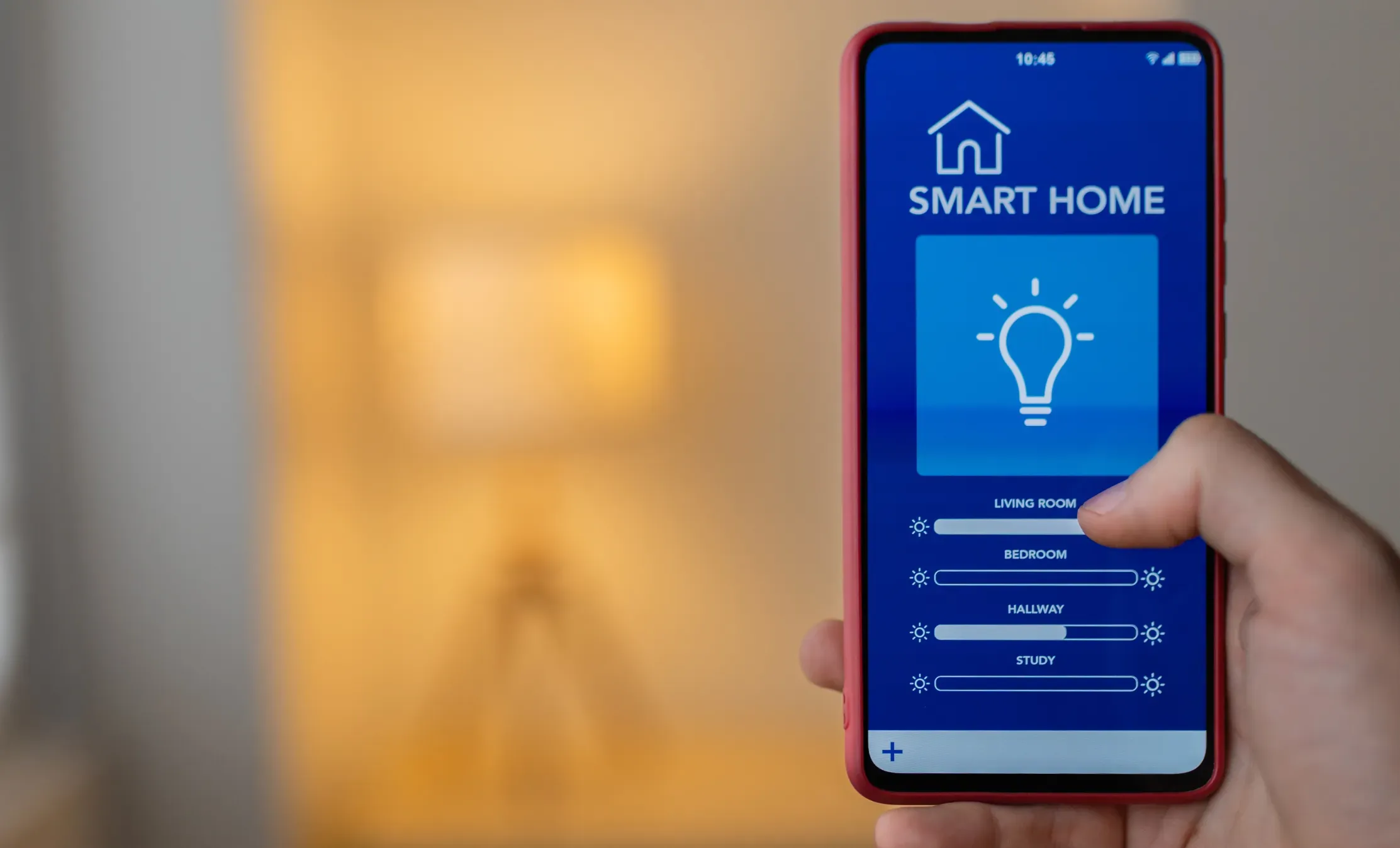
Your home is your sanctuary. It’s where you relax, unwind, and feel secure.
But with the rise of smart home devices, you might find yourself questioning just how safe your home really is. These gadgets promise convenience and control, but at what cost? Could a simple smart speaker or thermostat be putting your privacy at risk?
You deserve to know if the benefits outweigh the potential dangers. We’ll dive deep into the world of smart home technology, explore the security challenges, and help you make informed decisions. Stick around to find out how you can enjoy the perks of smart technology without compromising your safety.
Risks Of Smart Home Devices
Smart home devices bring convenience but also introduce certain risks. These risks can affect your privacy, security, and data safety. Understanding these dangers helps you protect your home better.
Common Vulnerabilities
Many smart devices have weak passwords by default. Users often do not change these passwords, making devices easy targets. Some devices lack regular software updates. This leaves them open to new threats. Insecure communication between devices can expose data. Poor encryption practices increase the risk of data leaks.
Privacy Concerns
Smart devices collect large amounts of personal data. This data can include habits, schedules, and even conversations. Companies may share this information with third parties. Lack of transparency confuses users about data use. Devices with cameras and microphones can invade privacy if hacked. Users may not always know what data is being collected.
Potential Hacking Threats
Hackers can exploit vulnerabilities to access smart devices. This access can lead to spying or stealing sensitive information. Attackers might use devices to enter home networks. They can control devices remotely without permission. Some hacks cause physical harm, like disabling alarms. Smart devices can become part of larger cyberattacks.
Choosing Secure Devices
Choosing secure smart home devices is crucial to protect your privacy and keep your home network safe. Not every device on the market prioritizes security, so you need to be careful about what you bring into your home. Making informed choices helps you avoid vulnerabilities that hackers could exploit.
Trusted Brands And Certifications
Start by selecting devices from well-known brands with a strong reputation for security. Trusted brands often invest more in protecting their products and respond quickly to security issues.
Look for certifications like UL 2900or ETSI EN 303 645, which indicate the device meets recognized security standards. These certifications give you extra confidence that the product has undergone rigorous testing.
Firmware And Software Updates
Regular updates are vital to keep your smart devices secure. Manufacturers release firmware and software updates to fix security flaws and improve functionality.
Check if the device supports automatic updates or alerts you when new updates are available. Devices that don’t update often become easy targets for cyberattacks over time.
Device Compatibility
Ensure the device works well with your existing smart home ecosystem. Compatibility reduces the chances of security gaps caused by communication errors between devices.
Using devices that support common security protocols like WPA3for Wi-Fi or Zigbee 3.0can enhance overall network security. Have you ever faced issues where an incompatible device caused your system to fail? Avoiding that can save you a lot of trouble and risk.
Network Protection Tips
Protecting your network is key to keeping smart home devices safe. A secure network limits access to your devices and personal data. Simple steps help create a strong defense against cyber threats. Understanding how to protect your Wi-Fi, use strong passwords, and set up guest networks improves your home’s security.
Securing Your Wi-fi
Secure your Wi-Fi by changing the default router settings. Use WPA3 or WPA2 encryption for better protection. Disable WPS (Wi-Fi Protected Setup) to avoid easy access points. Keep your router’s firmware updated to fix security bugs. Turn off remote management features to block outside control. Position your router centrally to reduce signal leaks outside your home.
Using Strong Passwords
Create strong passwords for both your Wi-Fi and smart devices. Use a mix of letters, numbers, and symbols for complexity. Avoid using easily guessed passwords like “123456” or “password”. Change passwords regularly to reduce risks. Consider using a password manager to keep track of complex passwords. Never share your passwords with untrusted people.
Setting Up Guest Networks
Set up a guest network for visitors and smart devices. Isolate guest devices from your main network to protect sensitive information. Limit guest network access to internet only, blocking access to your smart home devices. Change guest network passwords frequently to maintain security. This keeps your main network safer from potential threats brought by guests.
/images/2022/12/09/securing_iot_devices.jpg)
Credit: allaboutcookies.org
Configuring Device Settings
Configuring your smart home device settings is a key step to keeping your home secure. Many people overlook this part and end up exposing themselves to risks. Taking control of your device’s settings puts you in charge of your security and privacy.
Enabling Two-factor Authentication
Two-factor authentication (2FA) adds an extra layer of protection by requiring a second form of verification beyond your password. This means even if someone guesses or steals your password, they still can’t access your device without the second factor.
Most smart home apps offer 2FA through text messages or authentication apps. Have you checked if your device supports this feature? Turning it on is a simple step that can drastically reduce unauthorized access.
Disabling Unnecessary Features
Smart devices often come with many features enabled by default, some of which you might never use. Leaving these active can increase your vulnerability. Think about it: why keep a feature running that you don’t need and that could be exploited?
Go through your device settings and turn off any functions or services you don’t use. For example, if your smart speaker has a feature that allows remote access and you rarely use it, disable it. This reduces the attack surface hackers can target.
Managing Permissions
Each smart device requests access to various parts of your home network or personal data. These permissions should be carefully reviewed. Are you comfortable with what the device can access?
Check the permissions granted and revoke any that seem excessive or unnecessary. For instance, if a smart thermostat asks for access to your location but you don’t see the need, disable that permission. Managing permissions closely helps you keep control over your data and device behavior.
Monitoring And Maintenance
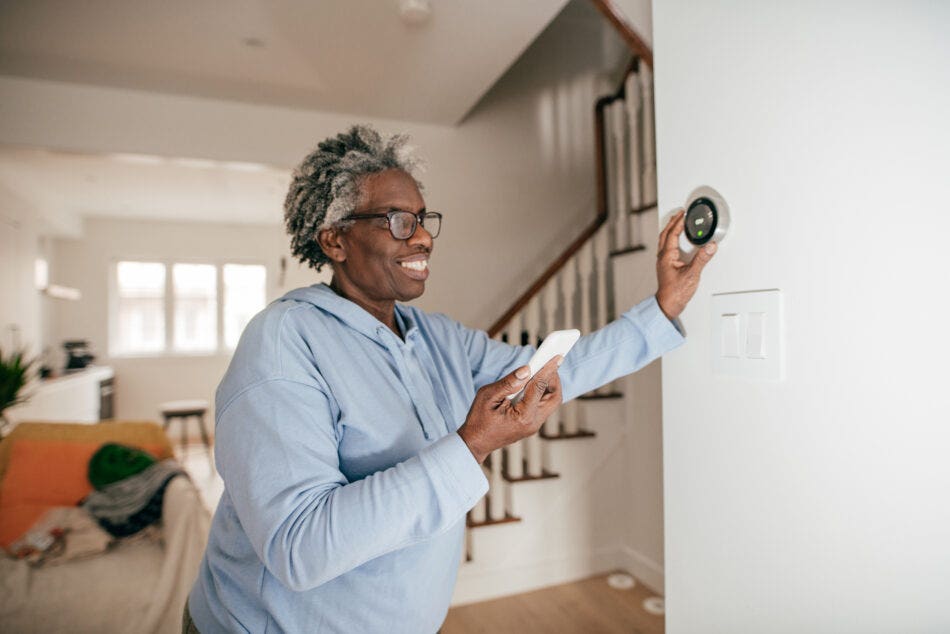
Keeping smart home devices safe requires constant monitoring and maintenance. Regular checks help spot risks early. Proper care extends device life and protects your privacy. Stay alert to unusual signs and keep software current. These habits strengthen your home’s security every day.
Regular Device Audits
Check each smart device often. Confirm all devices are connected to your network. Remove any devices you no longer use. Verify the settings match your security needs. This practice limits access points for hackers.
Recognizing Suspicious Activity
Watch for unexpected behaviors or alerts. Devices turning on or off by themselves is a warning. Sudden slowdowns or unusual data use may signal trouble. Review your device logs if available. Report anything that looks strange immediately.
Updating Software Regularly
Keep your smart devices’ software up to date. Updates fix bugs and close security holes. Enable automatic updates if possible. Check for updates manually if automatic updates are off. Staying current protects your devices from new threats.
Credit: acera.ca
Responding To Security Breaches
Security breaches in smart home devices can cause serious problems. Quick and smart actions are needed to protect your privacy and data. Knowing how to respond helps reduce damage and regain control.
Immediate Steps To Take
- Disconnect the device from the internet immediately.
- Change passwords on your smart device and related accounts.
- Check for unusual activity on your network and devices.
- Turn off device features that may allow remote access.
- Alert other household members about the breach.
Contacting Support Services
Reach out to the device manufacturer or service provider quickly. Use official websites or verified contact numbers only. Explain the breach and follow their guidance carefully. Support teams can provide updates and help secure your device.
Restoring Device Security
- Reset the device to factory settings to remove threats.
- Update the device firmware to the latest version.
- Set strong, unique passwords for device accounts.
- Enable two-factor authentication if available.
- Monitor the device closely for any strange behavior.

Credit: www.vesternet.com
Frequently Asked Questions
Are Smart Home Devices Vulnerable To Hacking?
Yes, smart home devices can be hacked if not properly secured. Always update firmware, use strong passwords, and enable two-factor authentication to reduce risks.
How Secure Is Data On Smart Home Devices?
Data security depends on the manufacturer’s encryption and privacy policies. Choose devices from trusted brands with robust data protection measures to ensure safety.
Can Smart Home Devices Invade My Privacy?
Some devices collect personal data, which may pose privacy risks. Review privacy settings and permissions carefully to control what information is shared.
What Are The Risks Of Using Smart Home Devices?
Risks include hacking, data breaches, and unauthorized access. Mitigate these by securing your network and regularly updating device software.
Conclusion
Smart home devices offer great convenience and comfort daily. Staying safe depends on strong passwords and regular updates. Always check device settings for privacy controls. Avoid connecting unknown gadgets to your network. Being careful helps protect your personal data and home.
Smart technology can be safe with good habits. Use your devices wisely and enjoy their benefits. Safety is in your hands.
Leave a Reply