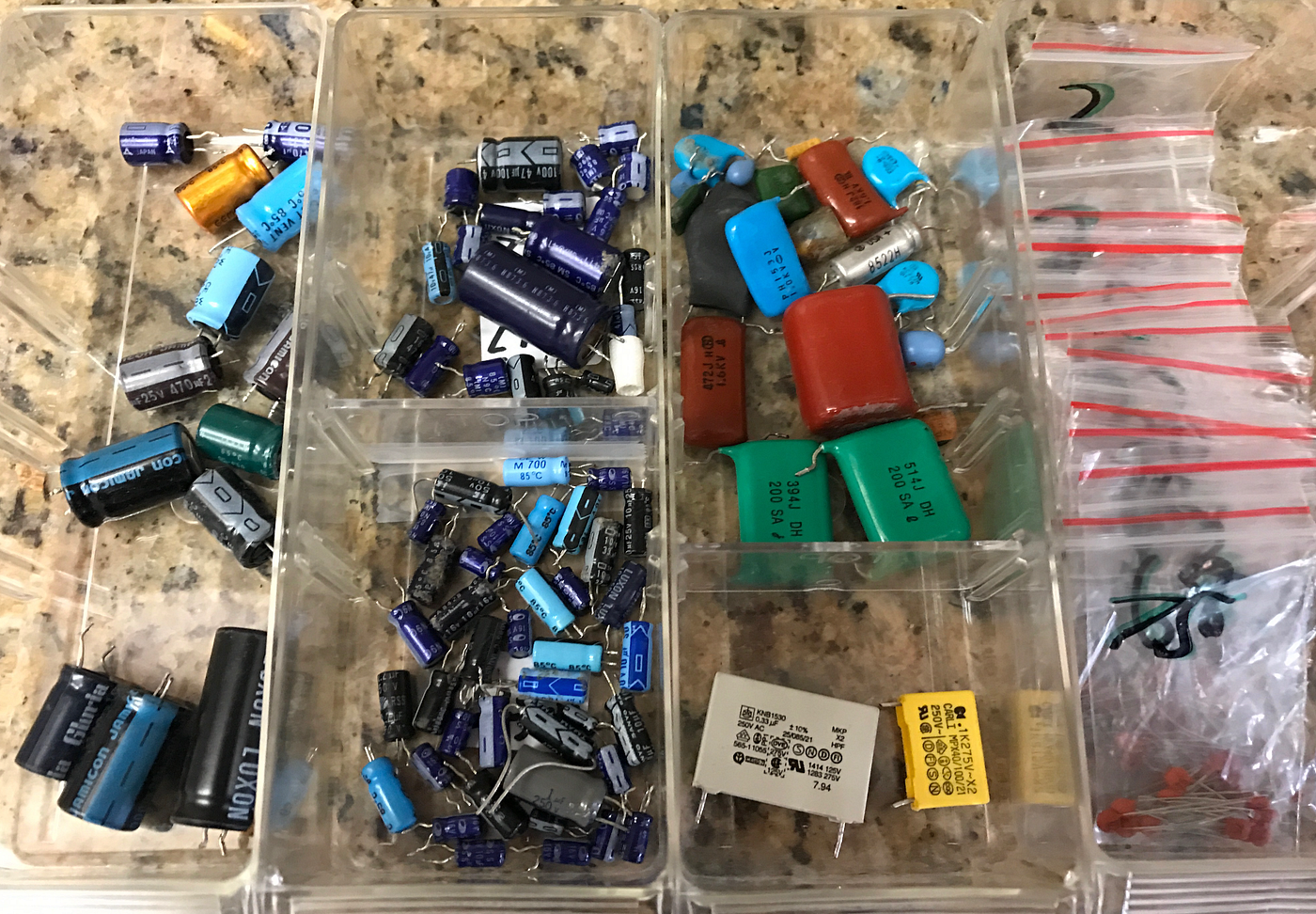
Are your electronic components scattered everywhere, making it hard to find what you need when you need it? Imagine how much time and frustration you could save with a simple, organized system.
You don’t have to be an expert to create a neat and efficient setup that keeps your parts easy to find and ready to use. You’ll discover practical tips and tricks to organize your electronic components so you can work faster, avoid mistakes, and enjoy your projects more.
Let’s dive in and transform your clutter into clarity!
Benefits Of Organizing Components
Organizing electronic components brings many benefits. It saves time and reduces stress. Finding parts becomes quick and easy. Projects move faster with less frustration.
Clear organization prevents loss and damage. Components stay safe and ready to use. This keeps your workspace tidy and efficient. A well-kept area helps maintain focus and creativity.
Improved Efficiency
Organized components make work smoother. You spend less time searching for parts. This lets you focus on building and testing. Tasks finish faster and with fewer mistakes.
Cost Savings
Knowing what you have avoids extra purchases. You buy only what is needed. This helps save money over time. Less waste means better use of resources.
Enhanced Project Quality
Using the right parts ensures better results. Organization helps identify the correct components quickly. This reduces errors and improves reliability. Your projects work as planned the first time.
Stress Reduction
Clutter causes confusion and anxiety. Organized spaces calm the mind and improve focus. You enjoy your work more and feel in control. This leads to better productivity and satisfaction.
Easy Inventory Management
Tracking parts becomes simple and clear. You know what is low and needs restocking. This prevents delays caused by missing components. Regular checks keep your collection up to date.
Essential Tools And Supplies
Having the right tools and supplies is the backbone of organizing your electronic components effectively. Without them, sorting, storing, and locating parts quickly becomes a frustrating challenge. Investing in quality equipment not only saves time but also protects your components from damage and loss.
Labeling Equipment
Clear labeling is essential for fast identification. Using a label maker with durable, smudge-proof labels can transform your storage system. I once spent hours hunting for tiny resistors until I started labeling each compartment, which cut down my search time drastically.
Consider different labeling options like color-coded tags or printed labels to suit various component sizes. A permanent marker can work in a pinch, but printed labels offer a professional touch and better readability.
Storage Containers
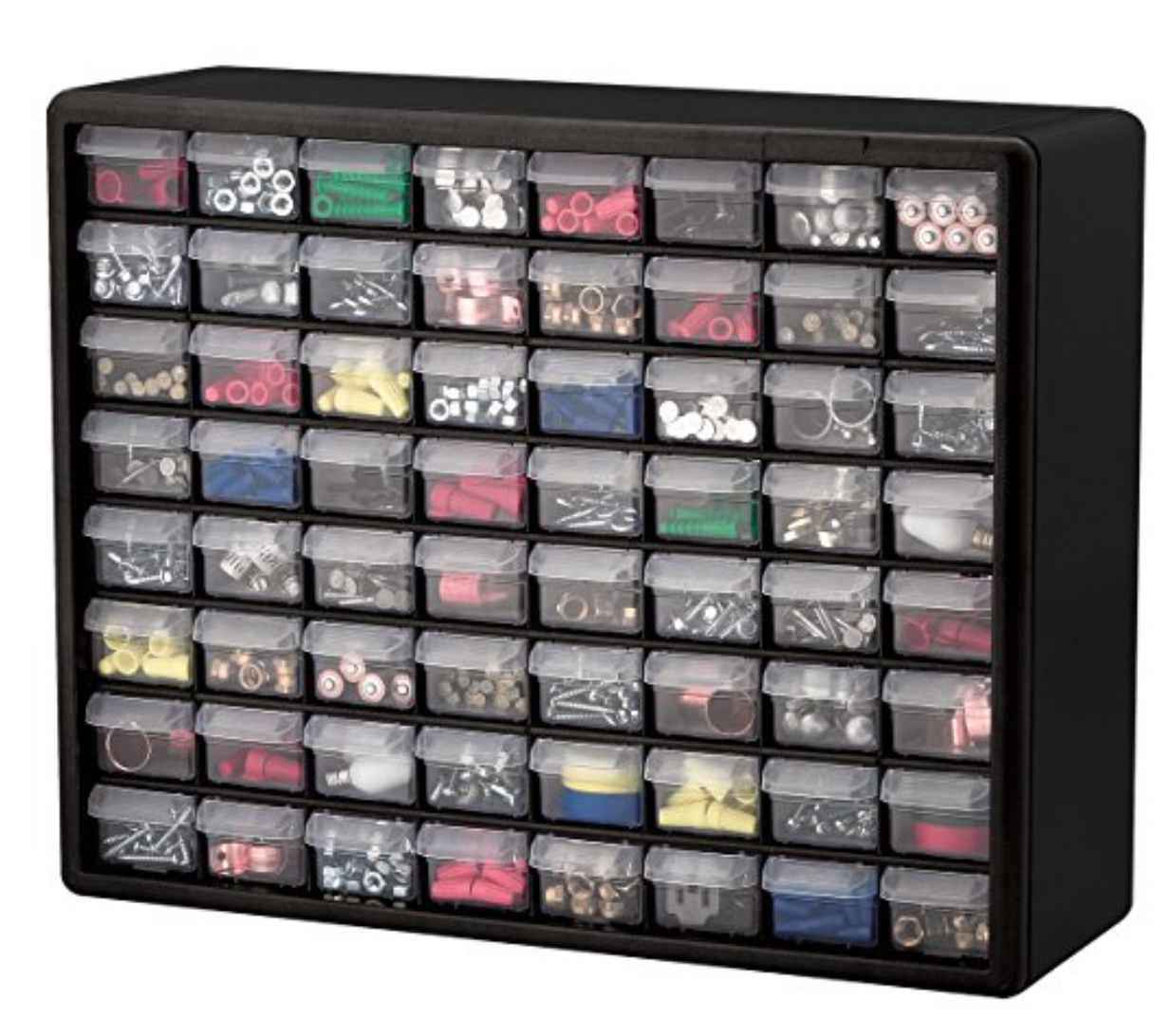
Choosing the right storage containers is key to keeping your components safe and organized. Small plastic bins, drawer organizers, and stackable boxes work well for separating items by type, size, or project.
Think about containers with adjustable dividers to customize the space for different parts. Transparent containers help you see contents at a glance, which speeds up your workflow and reduces clutter.
Inventory Software
Managing a growing collection of components can quickly become overwhelming. Inventory software designed for electronics hobbyists helps you track quantities, locations, and even datasheets digitally.
Some apps allow you to scan barcodes or QR codes, linking physical labels to digital records. This makes it easier to plan purchases and avoid overstocking or running out of critical parts.
Sorting And Categorizing Components
Sorting and categorizing electronic components helps keep your workspace clean. It also makes finding parts much faster. A well-organized system reduces frustration and wasted time. Start by dividing your components into clear groups. This approach keeps everything simple and accessible.
Grouping By Type
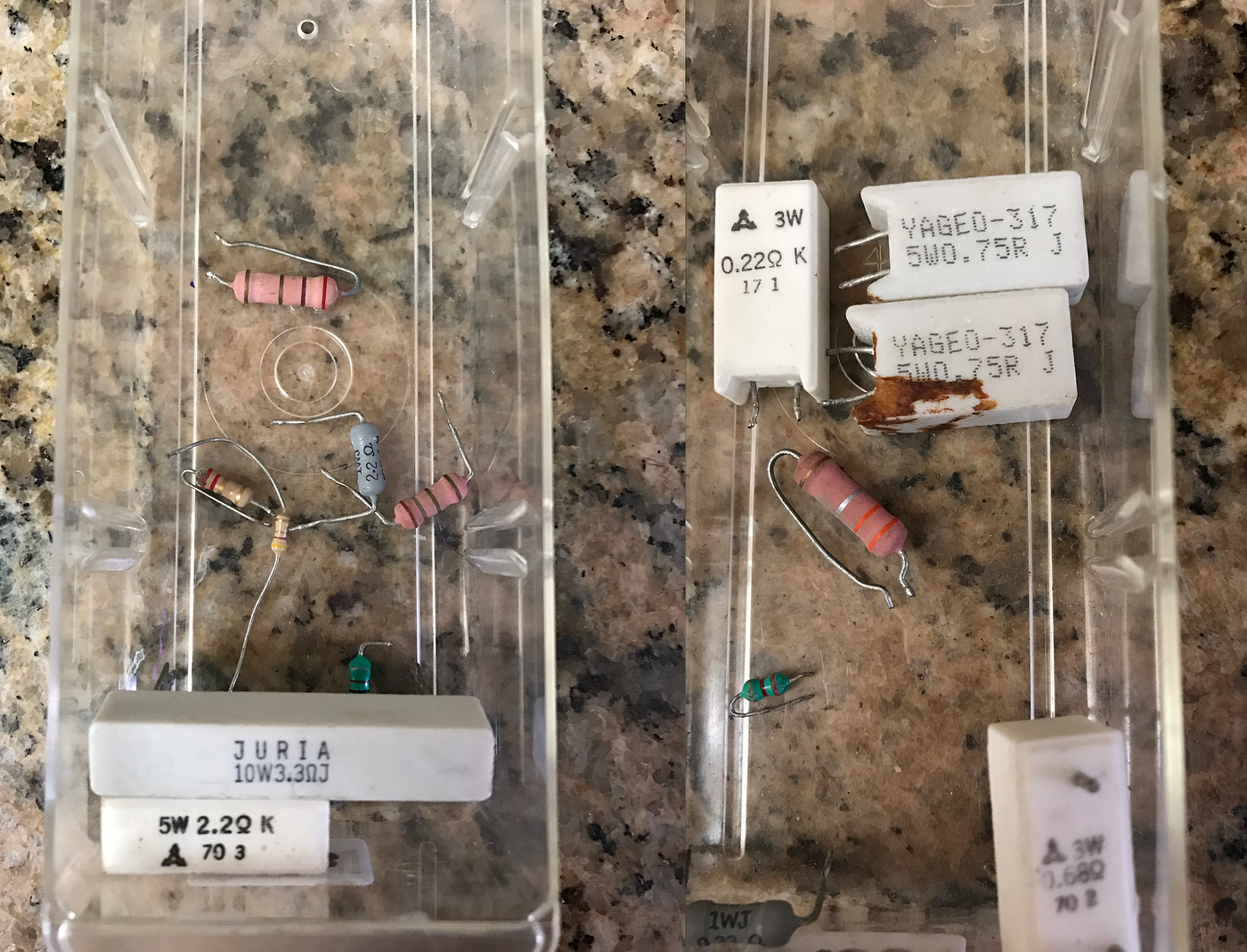
Sort components by their type first. Resistors, capacitors, diodes, and transistors each belong in separate containers. Use small bins or drawers to store each type. Label each container clearly for quick identification. This method avoids mixing different parts together.
Grouping By Function
Group components based on their role in circuits. For example, separate power components from signal components. Keep sensors, switches, and connectors in distinct sections. This helps when building or repairing specific projects. You can grab all parts needed for one function easily.
Grouping By Size
Size is another useful way to organize parts. Small components like SMD resistors need different storage than larger ones. Use compartmentalized boxes to separate sizes within the same type. This prevents damage and makes picking parts easier. Size grouping keeps your collection neat and orderly.
Credit: medium.com
Creating A Labeling System
Creating a labeling system is key to keeping electronic components in order. Clear labels save time and reduce mistakes. They help you find parts quickly and keep your workspace tidy. A good system uses simple tags that everyone can understand.
Color-coding Techniques
Color-coding sorts components by type, size, or function. Use different colors for resistors, capacitors, and ICs. Bright colors catch the eye fast. Stick to a limited color palette to avoid confusion. Use colored stickers or markers on containers and labels.
- Red for resistors
- Blue for capacitors
- Green for transistors
- Yellow for connectors
This method makes spotting parts easy. It works well in busy work areas or large collections.
Labeling Best Practices
Labels must be clear and durable. Use large, simple fonts for easy reading. Print labels on sturdy paper or use plastic tags. Write the component name and key values like resistance or voltage. Add date or batch number for tracking.
- Use a label maker or printed labels for neatness
- Keep labels consistent across all containers
- Place labels on both the container and inside compartments
- Use waterproof ink to prevent fading
Good labels reduce errors and improve workflow. Update labels as your collection changes. This keeps your system reliable and useful.
Choosing The Right Storage Solutions
Choosing the right storage solutions helps keep your electronic components tidy and easy to find. Proper storage protects parts from damage and dust. It also saves time during projects by reducing clutter. Storage options vary by size, quantity, and type of components. Select solutions that fit your workspace and component needs.
Drawer Systems
Drawer systems offer organized compartments for small parts. They let you sort resistors, capacitors, and screws neatly. Many drawers come with labels or label holders. This feature helps identify parts quickly. Drawers slide smoothly, making access simple and fast. Choose systems with sturdy materials for durability. Stackable drawer units save space on your workbench.
Bins And Boxes
Bins and boxes store medium to large components safely. Clear plastic bins let you see contents without opening. Boxes with dividers keep parts separated and prevent mixing. Use small bins for tiny items like LEDs or transistors. Larger bins work well for wires, tools, and connectors. Look for bins with lids to keep dust out. Portable boxes are good for carrying parts to different locations.
Shelving Units
Shelving units provide open storage for bigger items and tools. Adjustable shelves accommodate various box sizes and equipment. Metal or wood shelves offer strong support for heavy loads. Use shelves to store bins, boxes, or toolkits neatly. Label shelf edges or bins for easy identification. Keep often-used items at eye level for quick access. Shelving units maximize vertical space in small rooms.
Credit: medium.com
Implementing An Inventory System
Implementing an inventory system is key to organizing electronic components effectively. It helps track parts, avoid duplicates, and save time. A good system keeps your workspace tidy and your projects on schedule.
Digital Inventory Management
Digital tools make tracking components simple and fast. Use spreadsheets or dedicated apps to list each item. Include details like quantity, location, and specifications. Update the list after every use or purchase. Search functions help find parts quickly. Some apps send alerts when stock is low. Cloud-based options allow access from any device. Keep backup copies to avoid data loss.
Manual Inventory Logs
Manual logs work well for small collections. Use notebooks or printed sheets to record parts. Write down the name, quantity, and storage spot. Organize logs by type or project. Check and update logs regularly to stay accurate. Use clear handwriting or labels for easy reading. Color codes or symbols can highlight critical parts. Manual logs need more effort but require no tech skills.
Maintaining Organization Over Time
Keeping your electronic components organized is not a one-time task. It requires ongoing effort to ensure everything stays in its place and is easy to find when you need it. Maintaining organization over time helps prevent frustration and saves you valuable project time.
Regular Audits
Set a schedule to check your components regularly. This could be monthly or quarterly, depending on how often you use them. During these audits, look for misplaced items, empty storage spots, or damaged containers.
Ask yourself: Are there parts you haven’t used in a long time? Maybe it’s time to remove or donate them. Regular audits help you spot clutter before it becomes overwhelming.
Updating Inventory
Keep an up-to-date list of your components. Use a simple spreadsheet or a dedicated app to track quantities and locations. Every time you add or use parts, update this inventory immediately.
This habit prevents surprises like running out of critical resistors or buying duplicates. It also makes restocking easier and faster. How often do you check what you have before starting a project?
Tips For Space Optimization
Optimizing space is key to keeping electronic components tidy and accessible. Smart space use helps avoid clutter and saves time. Small work areas benefit the most from clever organizing tricks. Focus on maximizing vertical and horizontal areas to store more parts efficiently.
Vertical Storage
Use walls and tall shelves to store components vertically. This frees up desk space and keeps parts visible. Pegboards with hooks are perfect for hanging tools and small bins. Magnetic strips can hold metal parts like screws and bits. Stackable clear containers help you see contents without opening. Label each container to find parts quickly. Vertical storage turns unused wall space into a useful area.
Multi-functional Workspaces
Create a workspace that serves more than one purpose. Use tables with built-in drawers or shelves to keep tools close. Foldable desks save space when not in use. A rolling cart can hold components and move around easily. Add a small pegboard above the desk for hanging frequently used items. Organize items by project to keep the area neat. Multi-functional setups make the best use of limited space.
Common Mistakes To Avoid
Organizing electronic components can be tricky. Mistakes often lead to lost parts and wasted time. Recognizing common errors helps keep your workspace neat and efficient. Avoid these pitfalls to protect your components and save effort.
Overcrowding Storage
Stuffing too many parts in one container causes chaos. It hides small components and makes searching hard. Overcrowding increases the risk of damage and mixing up parts.
Use multiple containers with clear labels. Sort components by type, size, or function. Keep enough space for easy access and visibility.
Ignoring Maintenance
Neglecting regular cleaning and checks leads to clutter and broken parts. Dust and moisture harm sensitive electronics. Forgotten labels cause confusion and errors.
Set a routine to clean your storage area. Check for damaged or expired parts regularly. Update labels and reorganize as needed to keep order.
Credit: medium.com
Frequently Asked Questions
How Do I Categorize Electronic Components Effectively?
Categorize components by type, size, and function. Use labeled bins or drawers for resistors, capacitors, and ICs. This method speeds up retrieval and maintains organization.
What Storage Solutions Work Best For Small Parts?
Small parts are best stored in stackable plastic organizers with clear lids. Use compartmentalized boxes to prevent mixing and ensure easy access.
How Can I Label Components For Easy Identification?
Use printed labels or write with a permanent marker on containers. Include component name, value, and specifications for quick recognition.
How Often Should I Reorganize My Electronic Components?
Reorganize every few months or after major projects. Regular maintenance prevents clutter and keeps your inventory updated and accessible.
Conclusion
Organizing electronic components saves time and reduces frustration. Clear labels help find parts quickly. Storing items by type keeps your workspace neat. Regularly check your supplies and remove extras. A tidy area improves focus and creativity. Small steps each day lead to big results.
Start today and enjoy easier projects tomorrow.
Leave a Reply