
Imagine walking into your home, and with just a simple voice command or a tap on your smartphone, the lights dim, your favorite music starts playing, and the thermostat adjusts to the perfect temperature. Sounds like a dream, right?
Setting up smart home devices can transform this vision into reality, making your life not only more convenient but also more energy-efficient and secure. If you’ve ever felt overwhelmed by the thought of integrating smart technology into your home, you’re not alone.
But fear not—this guide is here to simplify the process for you. By the end of this article, you’ll have the confidence and know-how to turn your home into a smart home, effortlessly. Whether you’re a tech newbie or a gadget enthusiast, you’ll find actionable steps and tips to get started on your smart home setup. Ready to make your home smarter? Let’s dive in!
Choosing The Right Devices
Choosing the right smart home devices can make all the difference in how smoothly your home automation runs. You want gadgets that fit your lifestyle, work well with what you already have, and don’t break the bank. Taking time to pick the right tools upfront saves you from frustration later.
Assessing Your Needs
Start by thinking about what problems you want your smart home to solve. Do you want to save energy, boost security, or simply add convenience? Maybe you want smart lights that adjust automatically or a thermostat you can control from your phone.
Ask yourself which rooms or areas need the most attention. Sometimes, less is more—focus on devices that deliver real value rather than buying every gadget available. What daily tasks would you like to simplify?
Compatibility With Existing Systems
Check if new devices will work with your current setup. Many smart devices rely on hubs or platforms like Google Home, Amazon Alexa, or Apple HomeKit. Buying products that sync with your preferred system keeps everything connected smoothly.
Also, consider your Wi-Fi network’s strength and coverage. A device that can’t get a reliable signal will cause more headaches than convenience. Have you tested your home’s Wi-Fi in all the spots where you want smart devices?
Budget Considerations
Smart home devices come in a wide price range. Decide how much you’re willing to spend before you start shopping. Sometimes, investing a little more upfront means better quality and longer-lasting performance.
Look for deals and bundles that can lower your overall cost. Remember, it’s better to buy a few reliable devices than many cheap ones that might fail quickly. What features are worth paying extra for in your setup?
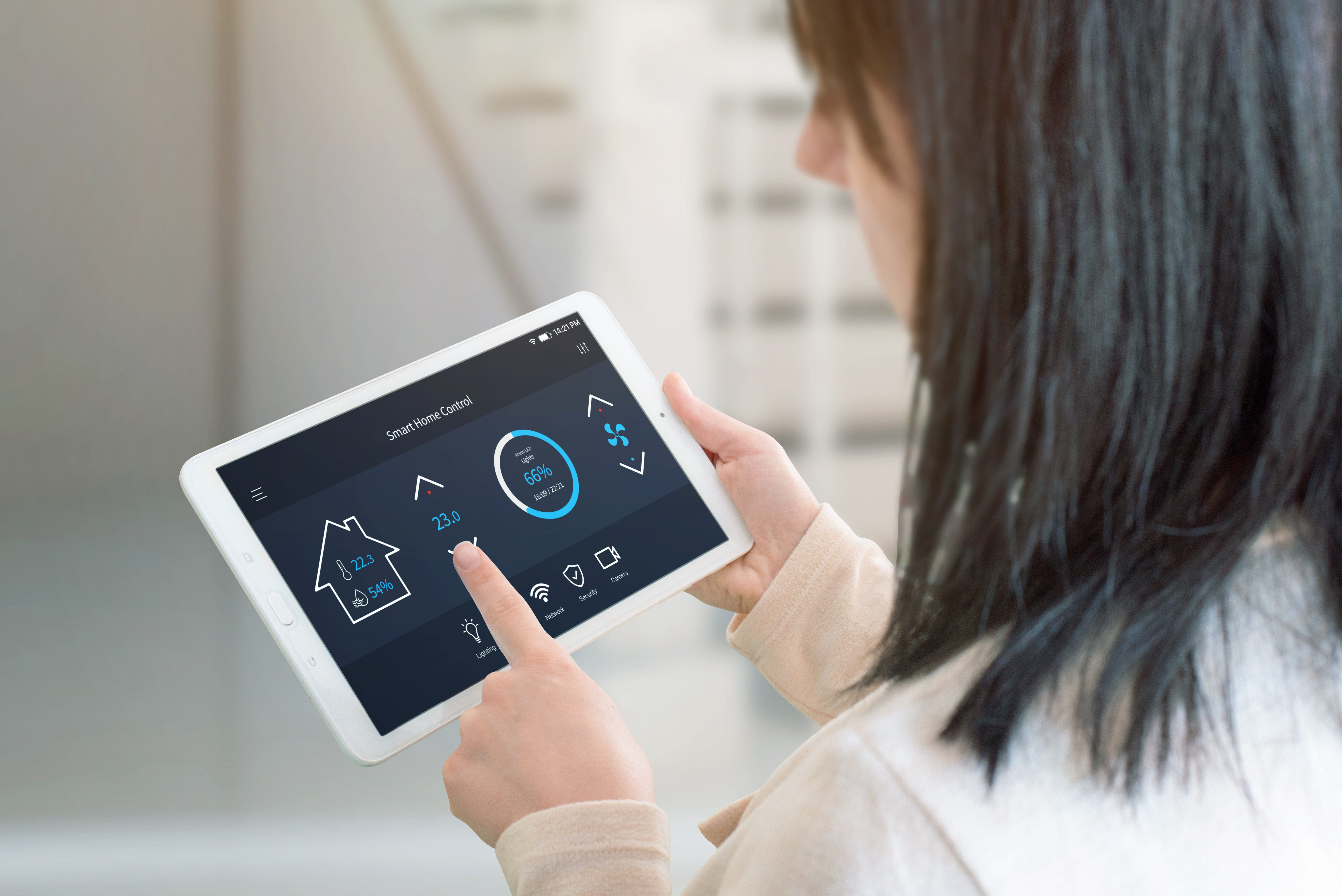
Credit: www.apge.com
Preparing Your Home Network
Preparing your home network is the foundation of a smooth smart home setup. Without a reliable and secure connection, your devices may lag or fail to communicate properly. Investing time in optimizing your network now saves you headaches later.
Ensuring Strong Wi-fi Coverage
Strong Wi-Fi coverage is key to keeping all your smart devices connected. Check your router’s placement—central locations often work best to reach every corner of your home.
If you notice dead zones or slow speeds, consider adding Wi-Fi extenders or mesh systems. These devices help spread your signal evenly, so your smart lights, cameras, and speakers stay online without interruption.
How often do you find yourself frustrated with a device that just won’t respond? Improving Wi-Fi coverage can fix this common issue quickly.
Securing Your Network
Your smart home devices handle sensitive information, so securing your network is critical. Start by changing the default router password to something strong and unique.
Enable WPA3 encryption if your router supports it, as it offers the best protection against hackers. Regularly update your router’s firmware to patch any security vulnerabilities.
Think about who has access to your network. Limiting devices and monitoring connections helps prevent unauthorized access that could compromise your smart home.
Setting Up A Dedicated Network For Devices
Separating your smart home devices onto their own network can boost security and performance. Many routers let you create a guest network specifically for smart devices.
This keeps your main network safe for personal use like banking or streaming. It also isolates smart devices, so if one is hacked, it won’t give attackers access to your primary devices.
Try this setup and watch how it simplifies managing your devices while adding a layer of protection.
Installing Smart Devices
Installing smart devices is the first step to creating a connected home. It involves simple tasks that anyone can do. Following clear instructions ensures your devices work smoothly and safely.
Unboxing And Initial Setup
Start by carefully opening the package. Check all parts against the manual to avoid missing items. Place the device near a power source and your Wi-Fi router for the best connection. Some devices need batteries; install them if required. Power on the device and wait for indicator lights that show it is ready.
Connecting To Wi-fi
Your smart device needs Wi-Fi to communicate. Open your phone or tablet’s Wi-Fi settings. Select the device’s network name, often shown in the manual. Enter the password if asked. After connecting, switch back to your home Wi-Fi network. The device will now link to your router automatically. Strong Wi-Fi signals help devices work faster and without interruption.
Using Manufacturer Apps
Download the app made by the device’s brand. The app guides you through setting up and controlling the device. Create an account if the app requires one. Follow on-screen steps to add the device to your app. You can name the device and set preferences here. The app also updates the device’s software to fix bugs and add features.
Configuring Device Settings
Configuring your smart home devices is where the magic begins. This phase lets you tailor each gadget to fit your lifestyle perfectly. It’s not just about turning devices on or off; it’s about making them work the way you want.
Customizing Preferences
Start by adjusting basic settings like brightness, volume, or temperature limits. Many devices allow you to choose modes—such as “eco” or “performance”—to match your daily needs.
Think about how you use your space. If you work from home, setting your smart lights to a cooler tone during office hours can help you stay focused. Don’t overlook notification settings either; too many alerts can become distracting.
Setting Up Voice Control
Voice control can turn your smart home experience from good to great. Connect your devices to assistants like Alexa, Google Assistant, or Siri for hands-free management.
Make sure to train the voice assistant to recognize your commands clearly. Personalize wake words or create custom commands to simplify your interactions. Have you tried asking your assistant to run a daily routine yet? It’s a game changer.
Creating Automation Rules
Automation lets your devices work together without needing your input every time. Set triggers like “turn off lights when I leave” or “start the coffee maker at 7 AM.”
Use apps that support IFTTT (If This Then That) or native smart home platforms for more complex rules. Imagine your home adjusting temperature and lighting as soon as your phone connects to the Wi-Fi—how much time would that save you each day?
Integrating Devices For Seamless Control
Integrating smart home devices allows smooth and simple control from one place. Combining devices creates a connected environment. This setup saves time and improves your experience at home.
Using Smart Home Hubs
Smart home hubs act as a central point for your devices. They connect lights, thermostats, cameras, and more. A hub lets you control everything with a single app or voice command. Popular hubs include Amazon Echo, Google Nest, and Samsung SmartThings.
Choose a hub compatible with most of your devices. This avoids switching between multiple apps. Hubs also improve communication between devices. They make your smart home more reliable and easier to manage.
Linking Devices Through Apps
Most smart devices come with their own apps. These apps help set up and control each device. Many apps allow linking with other smart devices. This creates a chain of commands across your home.
Use apps to create routines or scenes. For example, a “Good Night” scene might turn off lights and lock doors. Sync apps that support popular voice assistants for easier control. Keep apps updated for better performance and security.
Managing Multiple Devices Efficiently
Managing many devices requires organization. Group devices by room or function in your hub or app. This makes finding and controlling devices quick.
- Label devices clearly in apps
- Use schedules to automate daily tasks
- Check device status regularly to avoid problems
Set permissions for family members to control specific devices. Backup your smart home settings to save time after resets. Efficient management keeps your smart home running smoothly every day.

Credit: ojasvit.in
Troubleshooting Common Issues
Setting up smart home devices can sometimes be tricky, especially when things don’t work as expected. Troubleshooting common issues helps you get back on track quickly without losing patience. Let’s look at some typical problems and how you can solve them efficiently.
Connectivity Problems
Smart devices rely heavily on a stable Wi-Fi connection. If your device keeps dropping offline, check your router’s range and signal strength first.
- Move the device closer to the router to see if the connection improves.
- Restart your router and smart device to refresh the connection.
- Ensure your network isn’t overloaded with too many connected devices.
Have you noticed certain rooms where your smart devices fail more often? That might indicate Wi-Fi dead zones, which can be solved with range extenders or mesh networks.
Device Malfunctions
Occasionally, your device might freeze, behave erratically, or stop responding. Power cycling the device—turning it off and back on—often fixes minor glitches.
- Check for firmware updates to keep the device running smoothly.
- Reset the device to factory settings if problems persist.
- Review the device manual for specific error codes or troubleshooting tips.
I once had a smart bulb that wouldn’t turn on until I updated its firmware. Don’t overlook simple updates—they can solve unexpected malfunctions.
App Syncing Errors
Your smartphone app controls your smart home devices, so syncing issues can be frustrating. If your app doesn’t reflect the device status, try closing and reopening it.
- Make sure both your app and device firmware are up to date.
- Log out and log back into the app to refresh the connection.
- Check if the app has the necessary permissions on your phone.
Sometimes, clearing the app cache or reinstalling it solves stubborn syncing problems. Are you keeping your app updated regularly, or do you wait until something breaks?
Maintaining Your Smart Home System
Maintaining your smart home system is essential for smooth operation and safety. Regular care keeps devices responsive and guards your privacy. Simple tasks can prevent many common issues.
Regular Software Updates
Smart devices need frequent software updates. Updates fix bugs and improve performance. They also add new features to your devices.
Check for updates in the app or device settings. Set automatic updates if possible. This saves time and ensures your system stays current.
Monitoring Device Performance
Watch how your devices work daily. Look for slow response or unexpected behavior. These signs may indicate problems.
Use the app dashboard to track device status. Restart devices that act strangely. Replace or repair devices if problems continue.
Ensuring Security And Privacy
Secure your smart home to protect personal data. Use strong, unique passwords for each device. Enable two-factor authentication when available.
Limit device access to trusted family members. Regularly review app permissions and connected devices. Turn off devices when not in use to reduce risks.

Credit: www.vesternet.com
Frequently Asked Questions
What Are The First Steps To Set Up Smart Home Devices?
Start by choosing compatible devices and a reliable hub or app. Connect devices to Wi-Fi, follow setup instructions, and customize settings for convenience and security.
How Do I Connect Smart Devices To Wi-fi Safely?
Use a strong, unique Wi-Fi password and enable network encryption. Connect devices through their official apps and keep firmware updated to prevent security risks.
Can I Control Smart Home Devices Remotely?
Yes, most smart devices offer remote control via mobile apps. Ensure devices are connected to the internet and use secure accounts for safe access.
What Should I Do If A Smart Device Won’t Connect?
Restart the device and router, check Wi-Fi signals, and ensure compatibility. Reset the device if needed and follow troubleshooting guides in the app or manual.
Conclusion
Setting up smart home devices can be simple and quick. Follow each step carefully for the best results. Test your devices to make sure they work well together. Keep your devices updated for security and new features. Enjoy the comfort and ease that smart homes bring.
Take your time and learn as you go along. Small changes can make your home smarter every day.
Leave a Reply