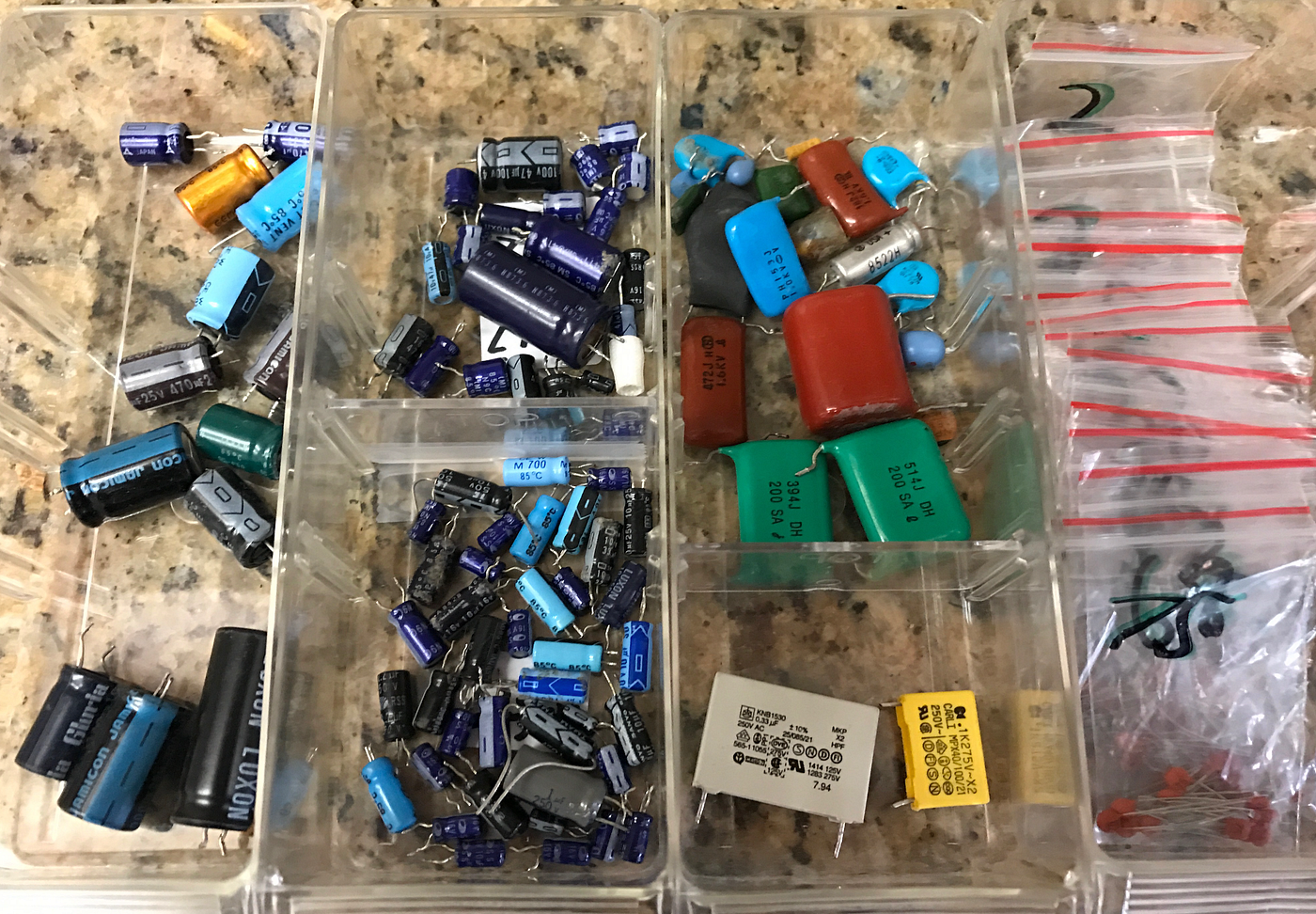
Are you tired of digging through piles of electronic parts every time you start a project? Sorting your electronic components might seem like a small step, but it can save you hours of frustration and help you work faster and smarter.
Imagine having everything you need right at your fingertips, organized in a way that makes sense to you. You’ll discover simple, effective ways to sort your components so you can focus on building, not searching. Ready to take control of your workspace and boost your productivity?
Let’s dive in.
Credit: medium.com
Benefits Of Sorting Components
Sorting electronic components saves time by making parts easy to find during projects. It also reduces errors and keeps the workspace neat and organized. Proper sorting helps protect components from damage and extends their lifespan.
Sorting electronic components offers numerous advantages for hobbyists and professionals. Organized components make projects run smoothly and efficiently. Let’s explore the key benefits of sorting components.Improved Workflow
Sorting components streamlines your workflow. You find parts quickly and easily. This saves valuable time during project builds. An organized system minimizes frustration. You focus on creating, not searching.Reduced Errors
An organized inventory reduces errors. Misplacing components leads to mistakes. Proper sorting ensures you use the right part every time. Errors in component selection can cause project failures. Avoid these by maintaining order.Enhanced Inventory Management
Effective sorting aids inventory management. You know what you have and what you need. This prevents over-ordering or running out. A clear system helps track stock levels. It simplifies restocking and budgeting.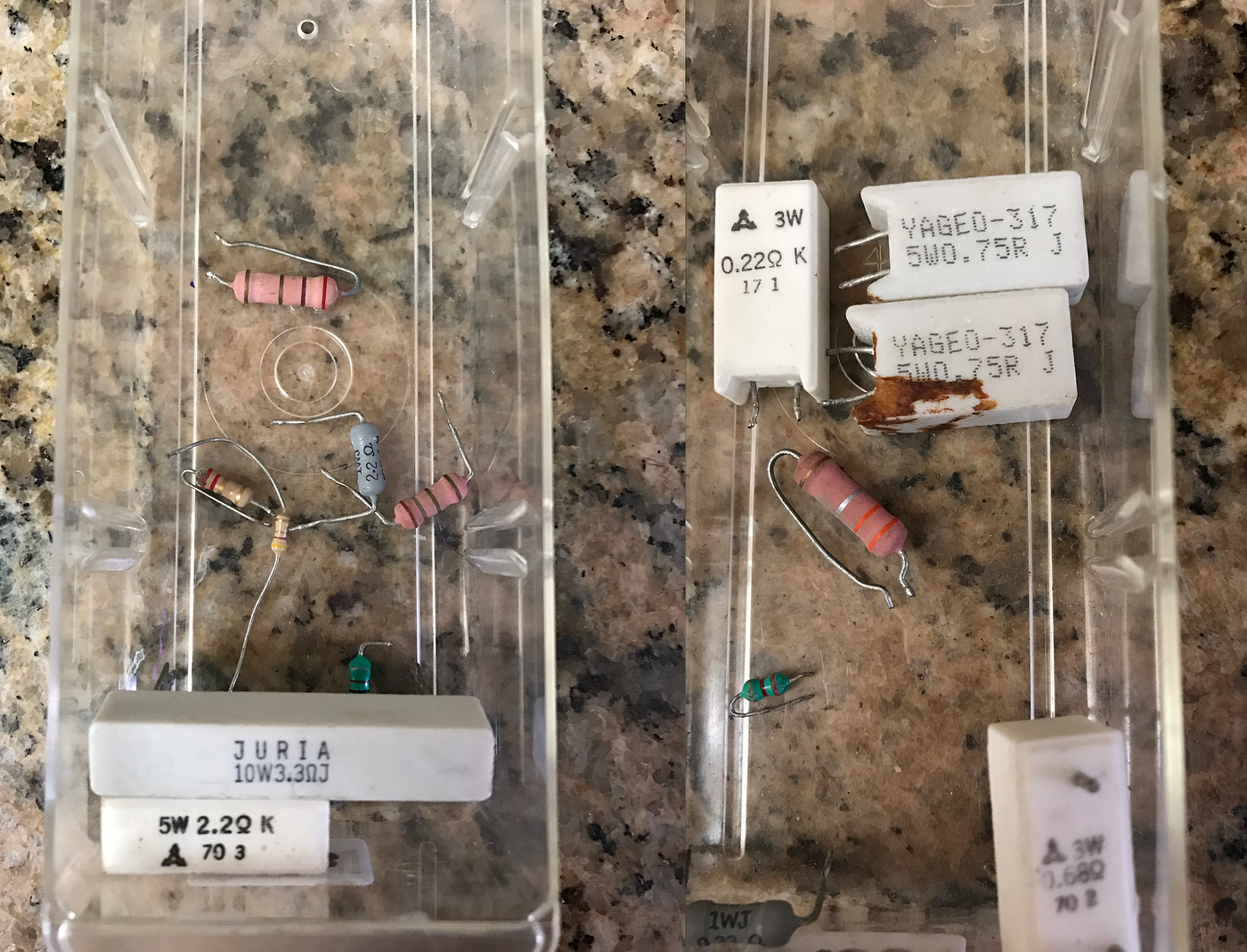
Credit: medium.com
Types Of Electronic Components
Sorting electronic components effectively starts with understanding the different types you’re dealing with. Each type has unique characteristics that affect how you store, label, and handle them. Knowing these categories helps you organize your workspace and find parts quickly when you need them.
Passive Components
Passive components do not require power to operate. They include resistors, capacitors, and inductors—basic building blocks of any circuit.
Resistors control current flow. Capacitors store and release energy. Inductors resist changes in current. These parts are usually small and easy to confuse, so sorting them by value and type saves you time.
Active Components
Active components need a power source to work and can amplify signals or control current. Transistors, diodes, and integrated circuits (ICs) fall into this category.
Transistors act like switches or amplifiers. Diodes control the direction of current flow. ICs are tiny chips that perform complex functions. Keep these components in anti-static bags or containers since they can be sensitive to static electricity.
Electromechanical Components
Electromechanical components combine electrical and mechanical functions. Examples include switches, relays, and connectors.
Switches open or close circuits. Relays use a small electrical signal to control a larger current. Connectors link different parts of a circuit physically and electrically. These often have different shapes and sizes, so sorting by function and pin count can be very helpful.
Sorting Methods
Sorting electronic components effectively can save you hours during your projects. Choosing the right sorting method depends on how you plan to use and access these parts later. Let’s look at practical ways to organize your components so you can find what you need instantly.
By Component Type
Sorting by component type is the most straightforward approach. Group resistors, capacitors, transistors, diodes, and integrated circuits separately. This method helps you quickly pick the right part for your circuit without digging through mixed piles.
Think about your last project—did you spend time searching for a specific transistor? Organizing by type prevents that hassle. Use labeled bins or drawers to keep each component category distinct.
By Value And Specification
Sorting by value and specification gets more precise. For example, resistors can be arranged by resistance value, wattage, or tolerance. Capacitors can be sorted by capacitance, voltage rating, or dielectric type.
This method is particularly useful if your projects require exact specifications. It saves you from measuring or testing components each time. Consider using small containers or sectioned boxes with clear labels showing values to speed up your workflow.
By Package And Size
Physical size and package type also matter in sorting. Surface-mount devices (SMD) and through-hole components have different storage needs. Grouping components by package prevents damage and makes handling easier.
For instance, storing tiny SMD resistors in anti-static trays or tape reels keeps them safe. Larger components like electrolytic capacitors fit better in separate compartments. This approach protects your parts and streamlines assembly.

Credit: medium.com
Tools And Supplies Needed
Sorting electronic components effectively starts with having the right tools and supplies at your fingertips. Without proper storage and clear labeling, your collection can quickly become chaotic and frustrating to manage. The right setup not only saves time but also reduces errors when you’re hunting for that tiny resistor or capacitor.
Storage Containers
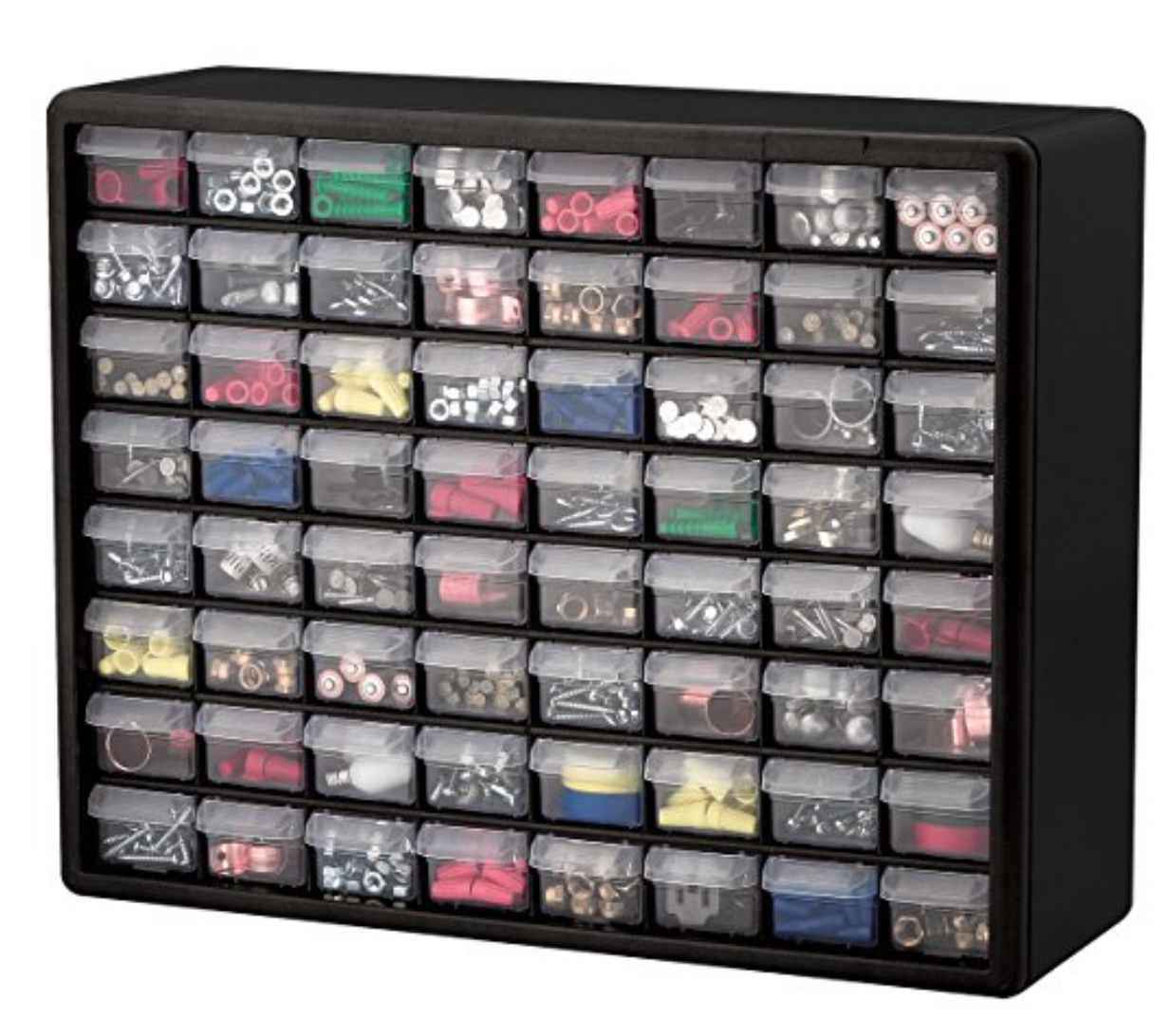
Choosing the right storage containers makes a huge difference. Small plastic bins, drawer organizers, or stackable boxes keep components separated and visible. Clear containers let you see what’s inside without opening them, which speeds up your workflow.
Think about the size and type of components you have. Tiny surface-mount devices need different storage than larger connectors or wires. Magnetic trays can be handy for holding metal parts during sorting, preventing them from rolling away.
Labeling Systems
Labels are your best friend when sorting components. Use a label maker or printed stickers to mark containers clearly. Make sure labels include part numbers, values, or specifications—details that matter when you’re building or repairing circuits.
Color coding can help too. Assign different colors to categories like resistors, capacitors, or ICs to find what you need at a glance. Have you ever spent more time searching for a part than actually working on your project? Proper labeling can stop that waste.
Organizational Software
Digital tools can complement your physical organization. Apps and software designed for electronics hobbyists let you create inventories with photos, datasheets, and notes. This way, you can track your stock and avoid buying duplicates.
Some software syncs across devices, so you can check your inventory from your phone while shopping for parts. Have you considered how much time you might save by knowing exactly what you have before ordering more?
Step-by-step Sorting Process
Sorting electronic components might seem like a tedious task, but breaking it down into clear actions makes it manageable and even satisfying. The process ensures you find the right parts quickly when you need them, saving time and frustration. Let’s walk through a practical approach that you can easily apply in your workspace.
Gathering Components
Start by collecting all your electronic parts from different storage spots. This could mean digging through drawers, boxes, or old project kits. Having everything in one place helps you see what you have and avoids duplicates.
Try grouping similar items loosely at first, like resistors in one pile and capacitors in another. This makes the next steps smoother and faster. Have you noticed how much easier sorting feels when everything is visible upfront?
Cleaning And Inspecting
Once gathered, clean each component gently to remove dust or residue. A soft brush or a dry cloth works well, especially for delicate parts like ICs or LEDs. Avoid using water or liquids unless you know the component can handle it.
Inspect parts for damage such as bent leads, corrosion, or burnt spots. Discard or set aside anything that looks faulty to avoid future project headaches. This step helps you trust your inventory and reduces trial-and-error during assembly.
Categorizing And Labeling
Organize components into categories based on type, value, or size—whichever system suits your workflow best. For example, group resistors by resistance value or capacitors by capacitance and voltage rating.
Label each category clearly. Use small stickers, masking tape, or printed labels. Clear labeling speeds up finding parts and makes restocking easier. How often have you wasted minutes searching for a specific resistor value?
Storing Properly
Choose storage solutions that protect components from damage and static electricity. Small plastic bins, drawer organizers, or anti-static bags work well depending on the part. Keep frequently used items within easy reach.
Arrange storage so you can see labels at a glance. Consider a storage system that allows you to add or remove compartments as your collection grows. A well-thought-out setup keeps your workspace neat and your projects moving forward.
Tips For Maintaining Organization
Keeping electronic components organized saves time and reduces errors. Proper organization ensures easy access and prevents damage. Follow simple tips to maintain order and efficiency in your workspace.
Regular Inventory Checks
Check your inventory often to track component quantities. Identify low stock early to avoid delays. Remove damaged or obsolete parts to keep the collection useful. Schedule these checks weekly or monthly for best results.
Updating Labels
Label each container clearly with component type and specifications. Use large, readable fonts and waterproof labels. Replace worn or faded labels immediately. Consistent labeling helps find parts fast and prevents mix-ups.
Using Digital Inventories
Keep a digital list of all components with details and locations. Use spreadsheet software or inventory apps for easy updates. Digital records allow quick searches and track usage trends. Back up data regularly to avoid loss.
Common Mistakes To Avoid
Sorting electronic components can save time and reduce errors. Avoiding common mistakes helps keep your inventory organized and usable. These simple errors can cause confusion and damage your projects.
Mixing Different Component Types
Mixing resistors, capacitors, and transistors in the same container creates chaos. It becomes hard to find the right part quickly. Components may get damaged or lost. Keep each type in separate boxes or compartments. This saves time and prevents errors during assembly.
Ignoring Component Specifications
Not checking specifications leads to using wrong parts. Voltage, tolerance, or power ratings matter a lot. Using incorrect components can cause circuit failure or damage. Always review datasheets and sort parts by their specs. This helps ensure your projects work as expected.
Poor Labeling Practices
Unclear or missing labels cause confusion later. Labels must be clear, simple, and durable. Write part values, type, and any key specs on each container. Use printed labels or permanent markers. Good labeling saves time and avoids mistakes when searching for parts.
Optimizing Efficiency With Automation
Automation improves the process of sorting electronic components. It saves time and reduces errors. Using technology helps keep track of parts easily and quickly.
Barcode Scanning
Barcode scanning speeds up identification of components. Each part has a unique code for quick reading. Scanners capture these codes and send data to computers. This process reduces manual input and mistakes. It also speeds up sorting and organizing parts in large inventories.
Inventory Management Software
Inventory software tracks electronic components in real time. It shows what is in stock and what needs ordering. The system alerts users about low supplies. It helps plan purchases and avoid overstock. This software often links with barcode scanners for smooth updates. It also generates reports to analyze inventory trends.
Smart Storage Solutions
Smart storage systems use automation to organize parts efficiently. Shelves and bins can be labeled and tracked digitally. Some systems use robots to move components to the right place. This reduces human effort and speeds up retrieval. Smart storage keeps components safe and easy to find.
Frequently Asked Questions
What Are The Best Methods To Sort Electronic Components?
The best methods include sorting by type, value, and package. Use labeled bins or compartment boxes for easy access. Categorizing by function helps in quick identification and reduces errors during assembly or repair.
How To Organize Small Electronic Components Effectively?
Use small containers or drawer organizers with clear labels. Group components by type and size. This prevents loss and speeds up finding parts during projects or repairs.
Why Is Sorting Electronic Components Important?
Sorting prevents damage, saves time, and improves workflow. It helps quickly locate parts, reduces errors, and maintains component integrity, essential for efficient electronic projects.
What Tools Help In Sorting Electronic Components?
Tools like storage boxes, labeling machines, and tweezers aid sorting. Magnifying glasses and anti-static mats protect components during handling and organization.
Conclusion
Sorting electronic components saves time and keeps your workspace neat. Use clear labels and separate parts by type and size. Organize regularly to avoid confusion and mistakes. A tidy system helps you find parts quickly. It also makes projects go smoother and faster.
Start sorting today to enjoy better work habits. Small steps lead to big improvements. Keep it simple and stay consistent. Your future projects will thank you.
Leave a Reply